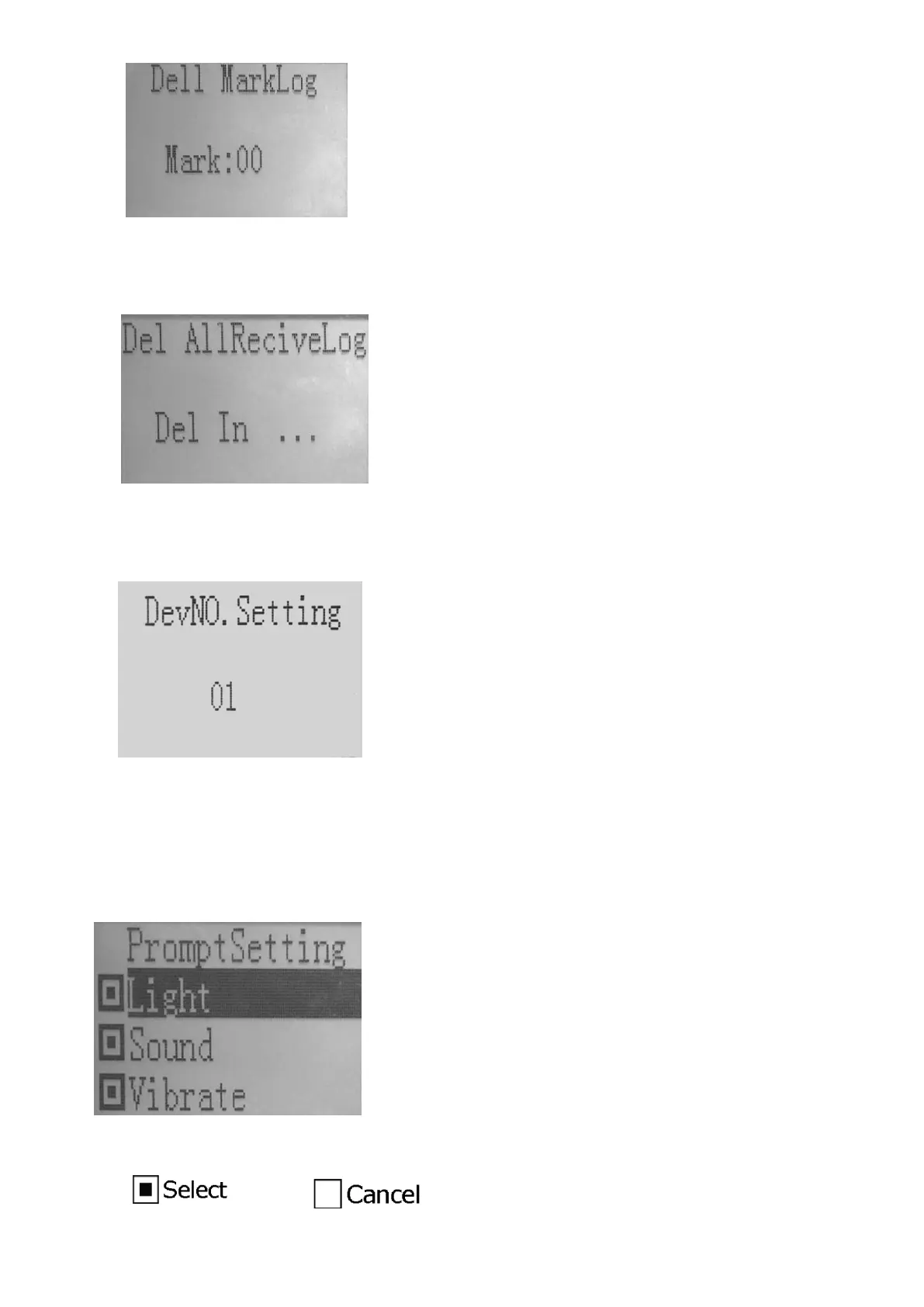
④ Del All Log
1) Select “Del All Log”, all the pairing records will be deleted.
2) Return to the “QueryLog” Menu interface automatically when all the pairing records are deleted.
(4) DevNO.Setting - Set the number of the receiver watch
① Interface
② Button Operation
1) “UP” and “DOWN” button: Set the number of the watch among 0-99.
2)
“ESC” button: Save current settings and return to the previous menu.
(5) PromptSetting - Set the alarm mode of the watch
① Interface
② Button Operation
1) “MENU” button: Select or cancel the option.


 To Next Page