• CurZone: The number of sensors.
• Code: The code of the sensors.
2) Button Operation
• “UP” and “DOWN” button: Switch sensor’s number among 0-99.
• “MENU” button: Delete the current sensor’s pairing.
• “ESC” button: Return to the “Pairing” menu interface.
④ Delete All Pairing
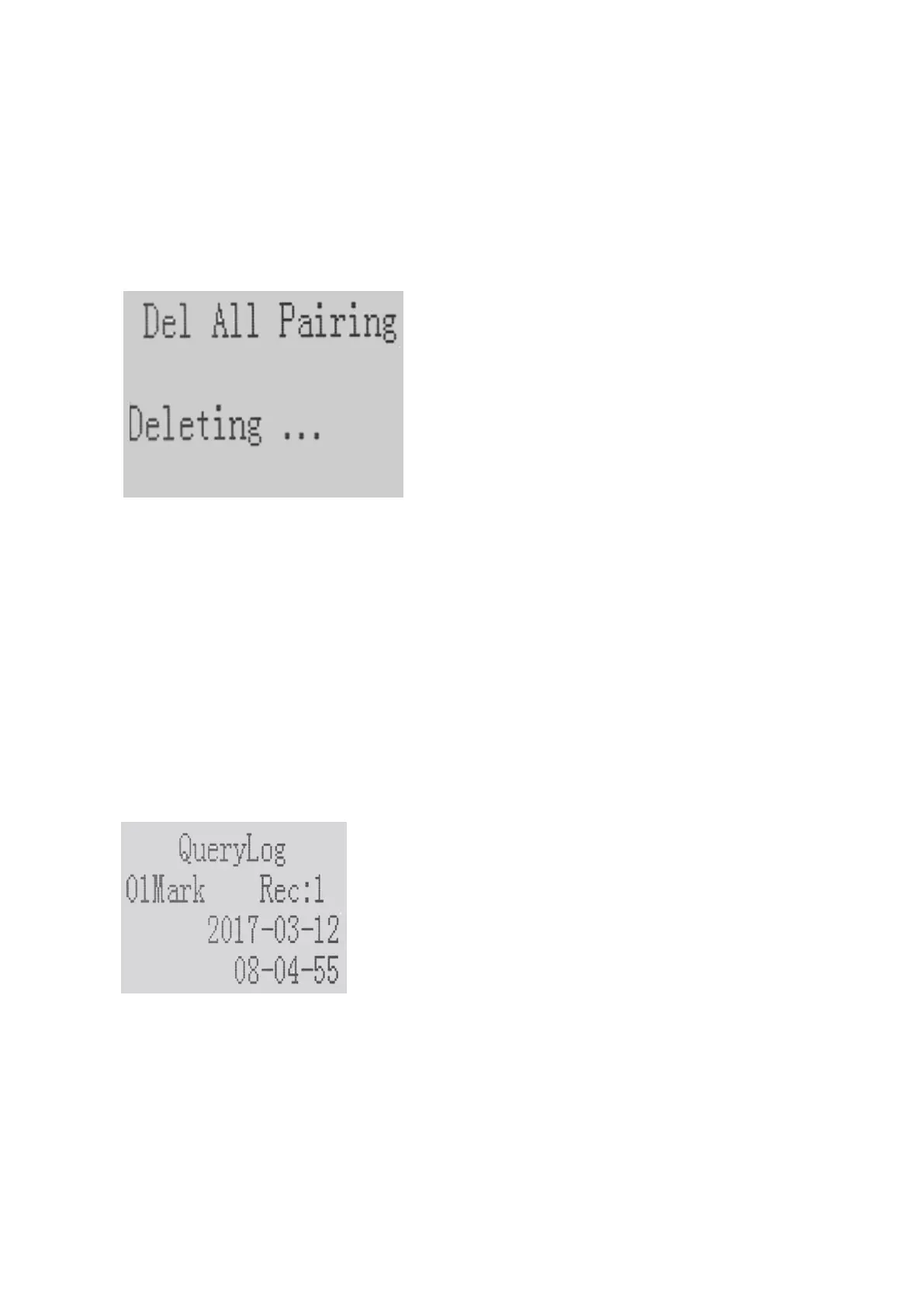
1) Select “Delete All Pairing” on the Pairing Menu, all the pairing will be deleted.
2) Return to the “Pairing” Menu interface automatically when all the pairings are deleted.
(3) QueryLog - Track Records
① QueryLog Menu List
1) QueryLog
2) Del AreaLog
3) Del All Log
② QueryLog
1) Setting Interface
• 01Mark: The number of sensors. (01Mark - 99Mark)
• Rec:1: The record of the selected sensor pairing. (Rec:1 - Rec:9)
• Date: The date of the record. (No Record means there is no record for the selected number of
sensors)
2) Button Operation
• “UP” and ”DOWN” button: Switch the sensor number among 0-99.
• “MENU” button: Switch Rec.
• “ESC” button: Exit and return to the previous menu.
③ Del AreaLog
1) Mark:00: The number of sensors.
2) Use “UP” and “DOWN” button to switch the number of the sensors.
3) Use the “MENU” button to delete the pairing records of the selected sensor number.


 To Next Page