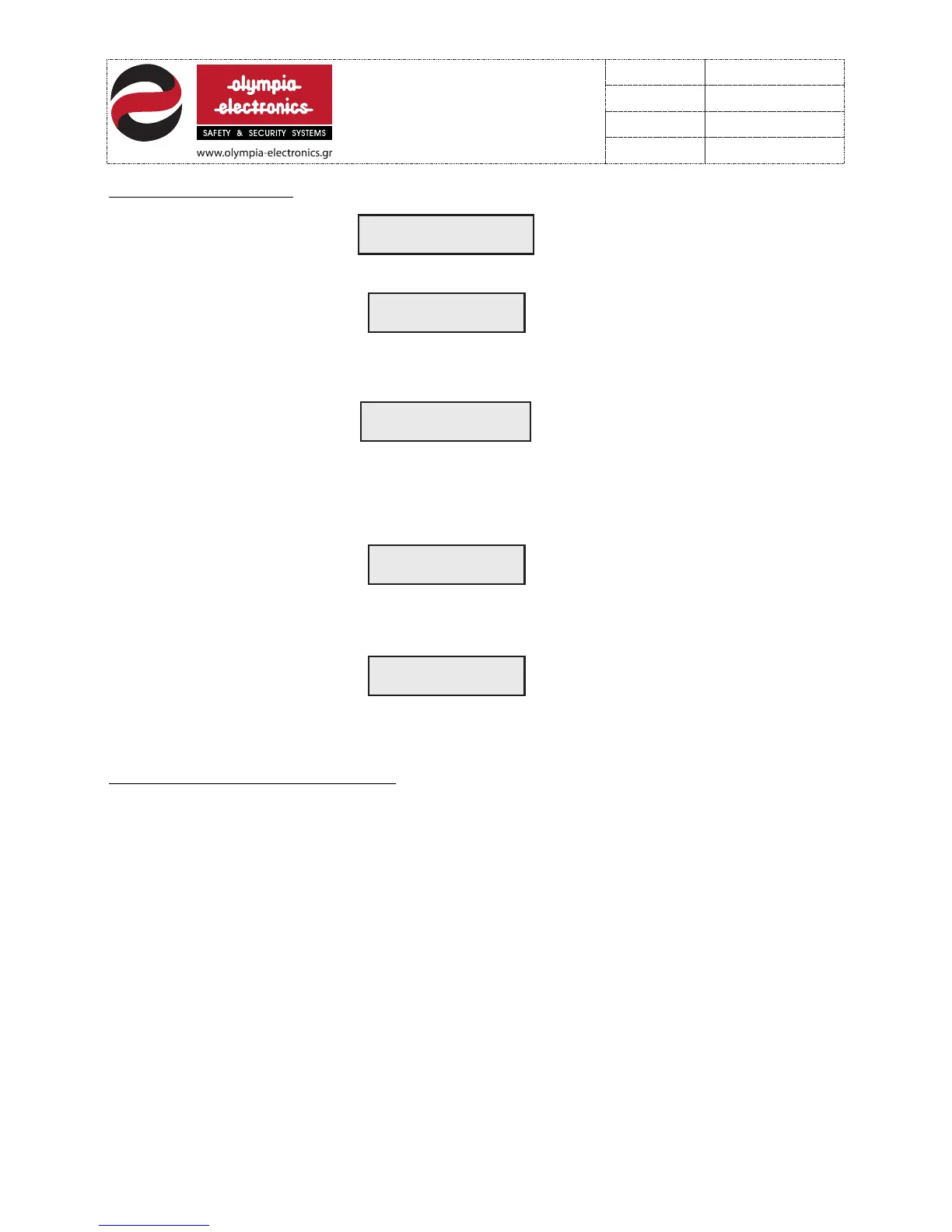
System Ready
olympia electronics
1 FAULT
AT PANEL 1
1 DISCONNECTED B
AT PANEL 1
6.3 User instructions. In quiescent state the panel shows :
If the panel detects an error (e.g. Disconnection of the battery) the Display shows :
Simultaneously the internal buzzer sounds, the LED BATTERY lights and the FAULT relay is
activated. To deactivate the buzzer press the ‘ON-OFF BUZZER’ key. More information
concerning the problem can be obtained by pressing the ‘FAULT EVENTS’ key. In this case
the Display shows:
If more than 1 errors occure then the Display shows the last error and the LIST LED lights to
indicate multiple errors. For more information press the ‘FAULT EVENTS’ key. After
correcting all errors we must RESET the system. Press the ‘ENTER’ key, enter the 4 digit
code, select‘SYSTEM RESET’ from the menu and press ‘ENTER’. The Display shows:
GENERAL SYSTEM
RESET
And after 15 sec the system enters normal operation mode.
If an alarm occurs on a zone (e.g. zone 8) the Display shows:
1 ALARM
ΖONE 8
Simultaneously the internal buzzer sounds, the ALARM LED is activated and the ALARM
relay is energized.
Τo silence the buzzer and the sirens press the ‘ON-OFF BUZZER’.
To silence οnly the sirens press the ‘’ENTER’’ key and enter the user code.
|In order to RESET the system when the sirens are silenced press the ‘’ENTER’’ key, enter
the user code and select the appropriate option from the user menu.
11 from 21
921116000
Date
File
Code
Page
921116000_09_016
13/03/2013


 To Next Page