Putting the Telephone into Operation
Function Keys
Some keys may have different functions assigned depending on the context or have
several functions assigned. The following table provides an overview of the keys availa-
ble.
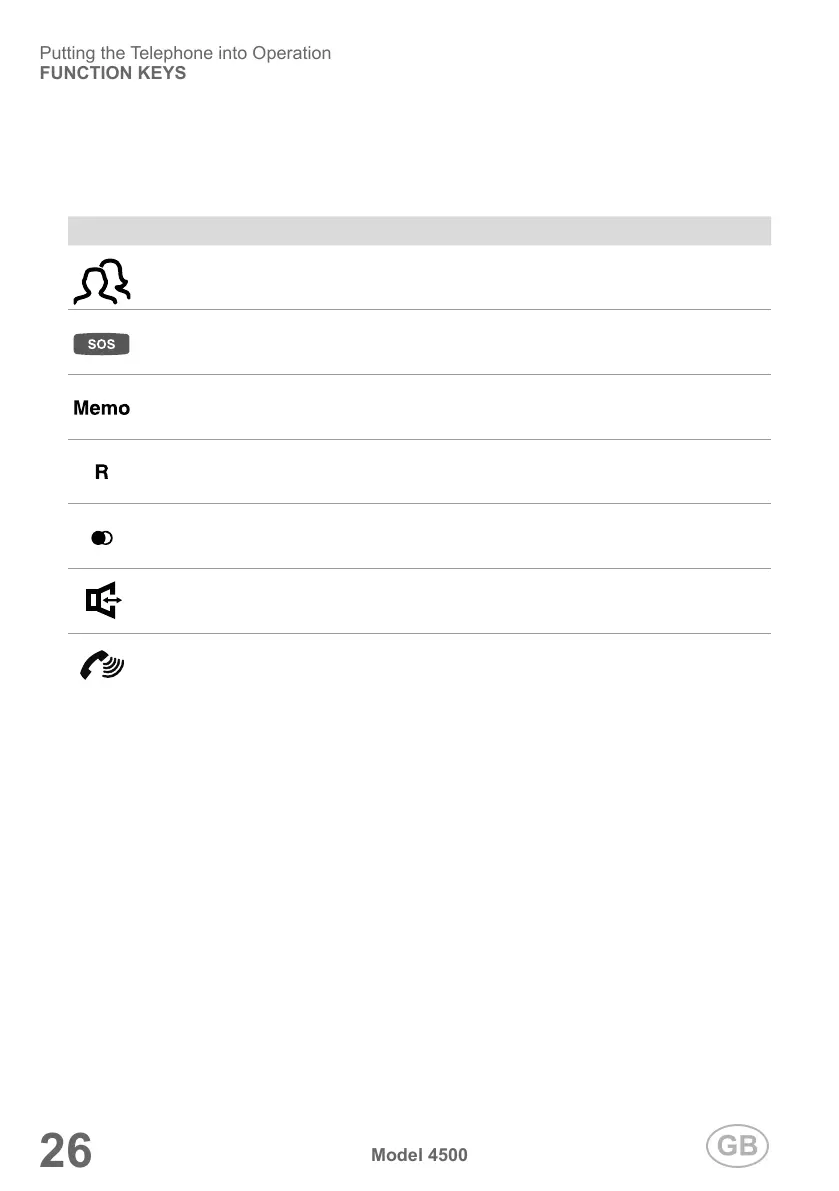
Icon Signicance
Photo dialling keys
SOS keys (only one is illustrated here)
Memory key for photo dialling keys, SOS keys, quick-dial keys
Flash functions (e.g. call waiting, divert call, brokering)
Redial/Pause function
Activate/Deactivate Handsfree function
Increase call volume (volume boost)


 To Next Page