USING THE MOBILE PHONE
NAVIGATING IN THE MENU
G
4.3 Navigating in the Menu
To unlock the key lock function, press the left-hand softkey
and Star key.
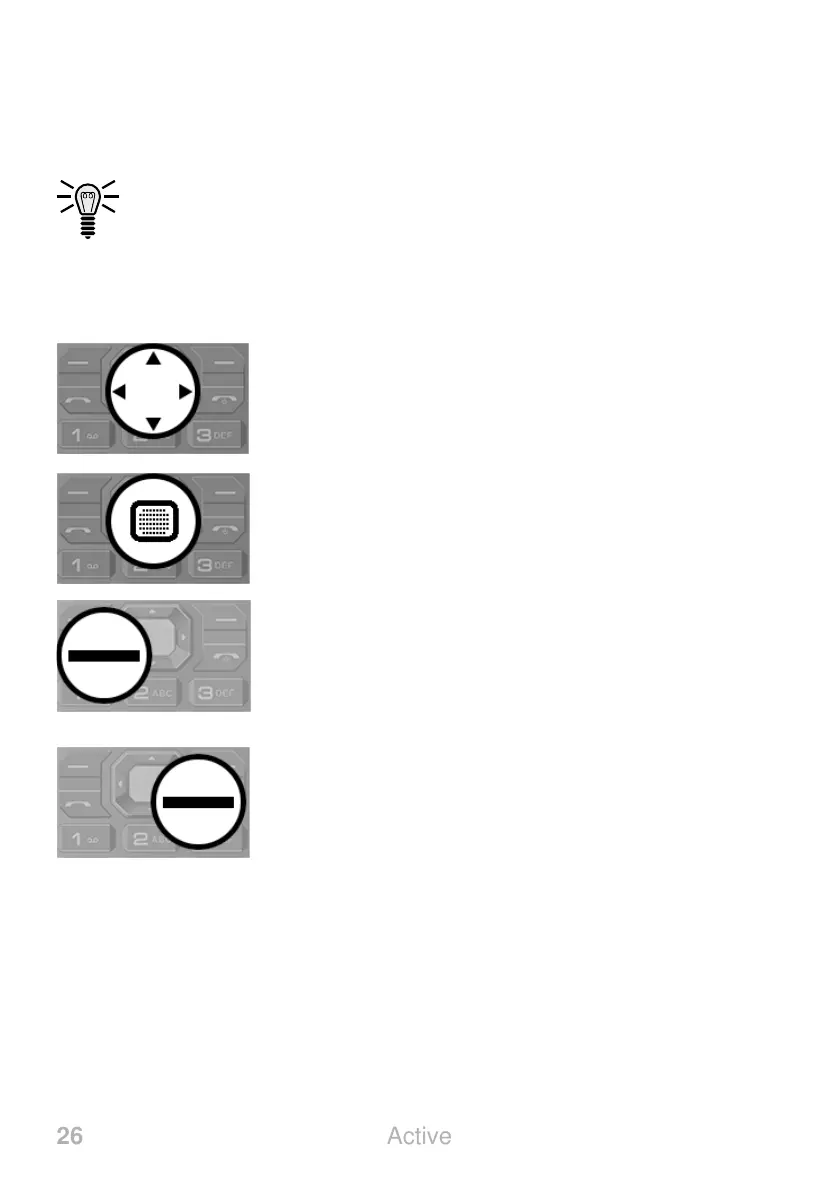
Use the following keys to navigate through the menus provided by
the mobile phone.
Navigate up, down, to the right or left in the
menu. The quick access functions which can be
freely assigned are on the start screen.
Openamenuoptionorconrmyourentries.
Openamenuoptionorconrmyourentries.
Discard the settings or navigate one menu level
back.



 To Next Page