USING THE MOBILE PHONE
QUICK ACCESS
G
4.5 Quick Access
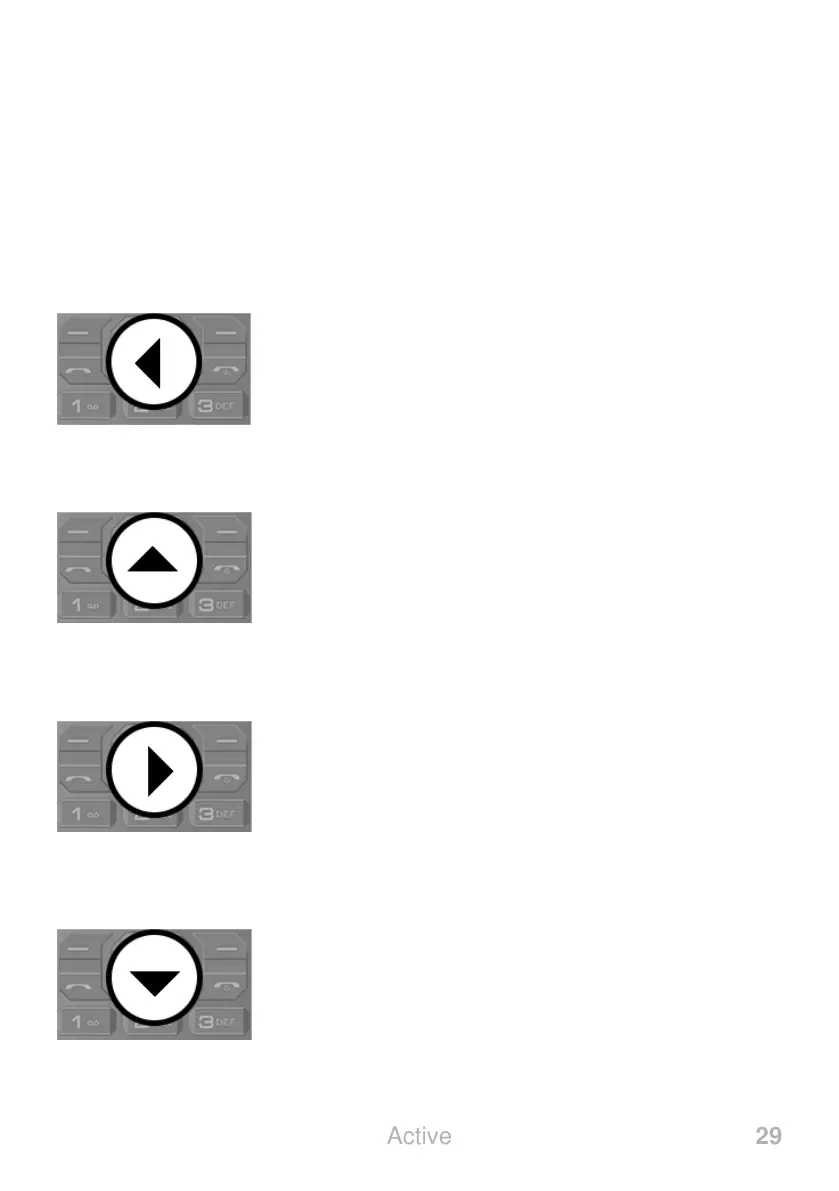
You can use some keys on your phone as quick access keys. A
quick access is performed directly on the start screen.
4.5.1 Messages
Open the ┣MESSAGING┫ menu.
Further information is provided in Section 5.9
Messages on page 59.
4.5.2 Audio Player
Open the ┣AUDIO PLAYER┫ menu.
Further information is provided in Section 5.10.6
Audio Player on page 71.
4.5.3
Open the ┣USER PROFILES┫ menu.
Further information is provided in Section 5.6
.
4.5.4 Camera
Open the ┣CAMERA┫ menu.
Further information is provided in Section 5.10.1
Camera on page 67.



 To Next Page