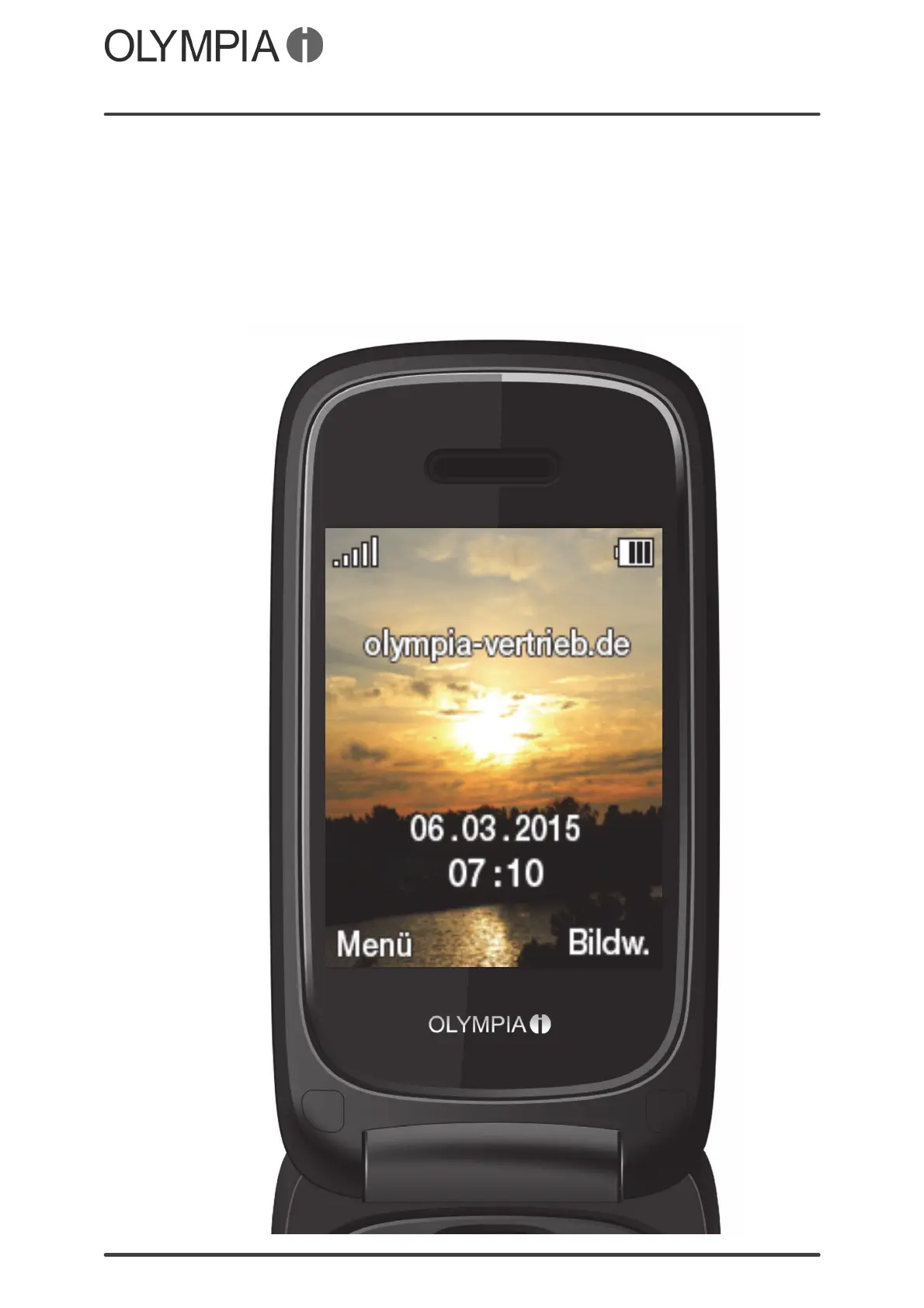
Start Screen
CLASSIC mini
General Overview
13
Start Screen
The start screen is the standard display which appears when the mobile
phone is switched on. Flip the mobile phone open to deactivate the key lock
function and activate the start screen in the mobile phone display.
The start screen contains various useful indicators. In addition to the time
and date, icons indicating the battery charge and network availability are also
displayed.



 To Next Page