Inserting a MicroSD Memory Card
CLASSIC mini
Putting the Mobile Phone into Operation
17
Inserting a MicroSD Memory Card
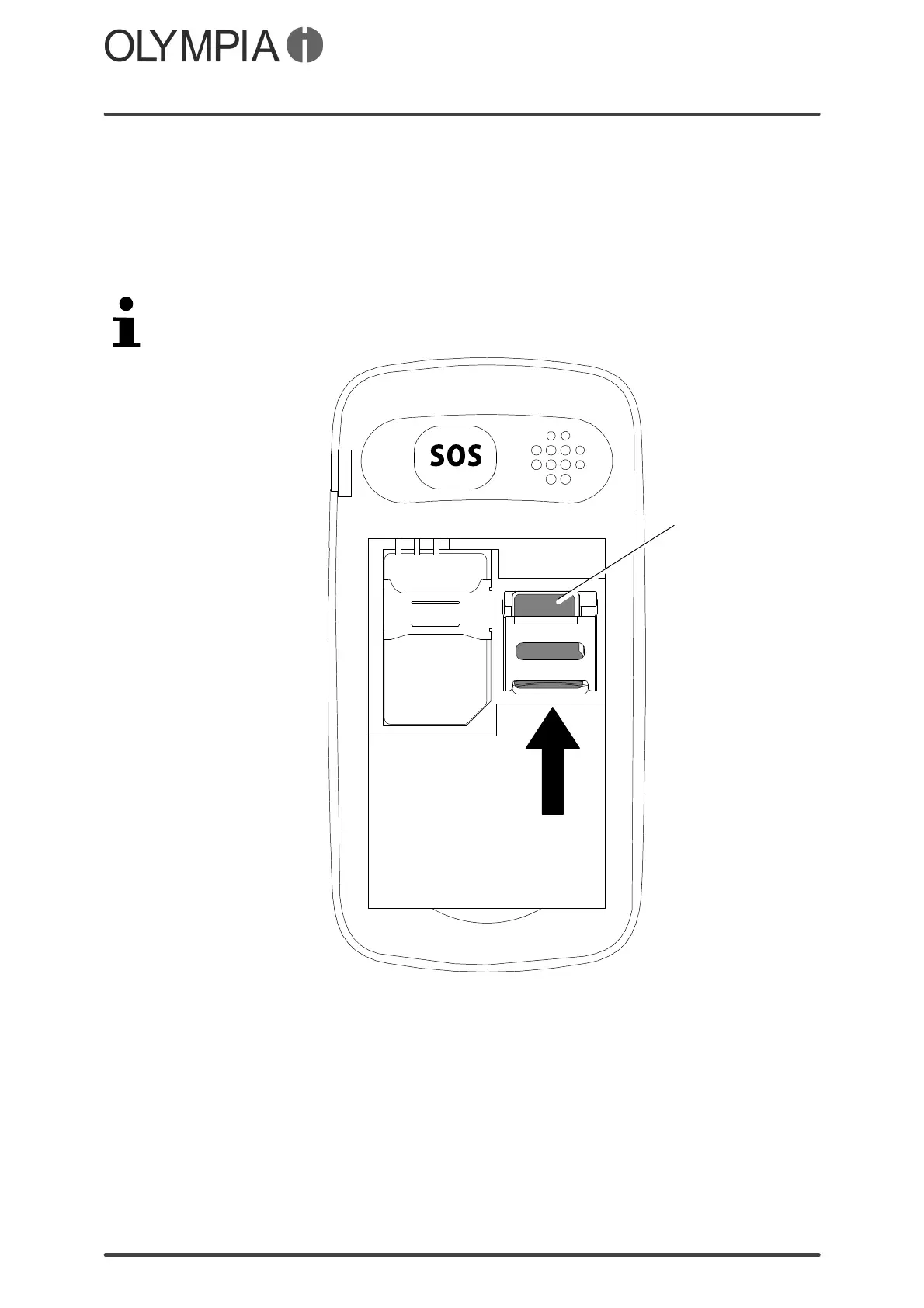
A microSD memory card (not included in the equipment supplied) can be
inserted, as an option, in the mobile phone. This increases the quantity of
data which can be stored on the mobile phone.
1. Slide the microSD memory card (1) with the contacts facing down in the
open compartment as illustrated.
The shape of the compartment ensures the card cannot be inserted
incorrectly.
1



 To Next Page