Using the Mobile Phone
Navigating in the Menu
Using the Mobile Phone
Navigating in the Menu
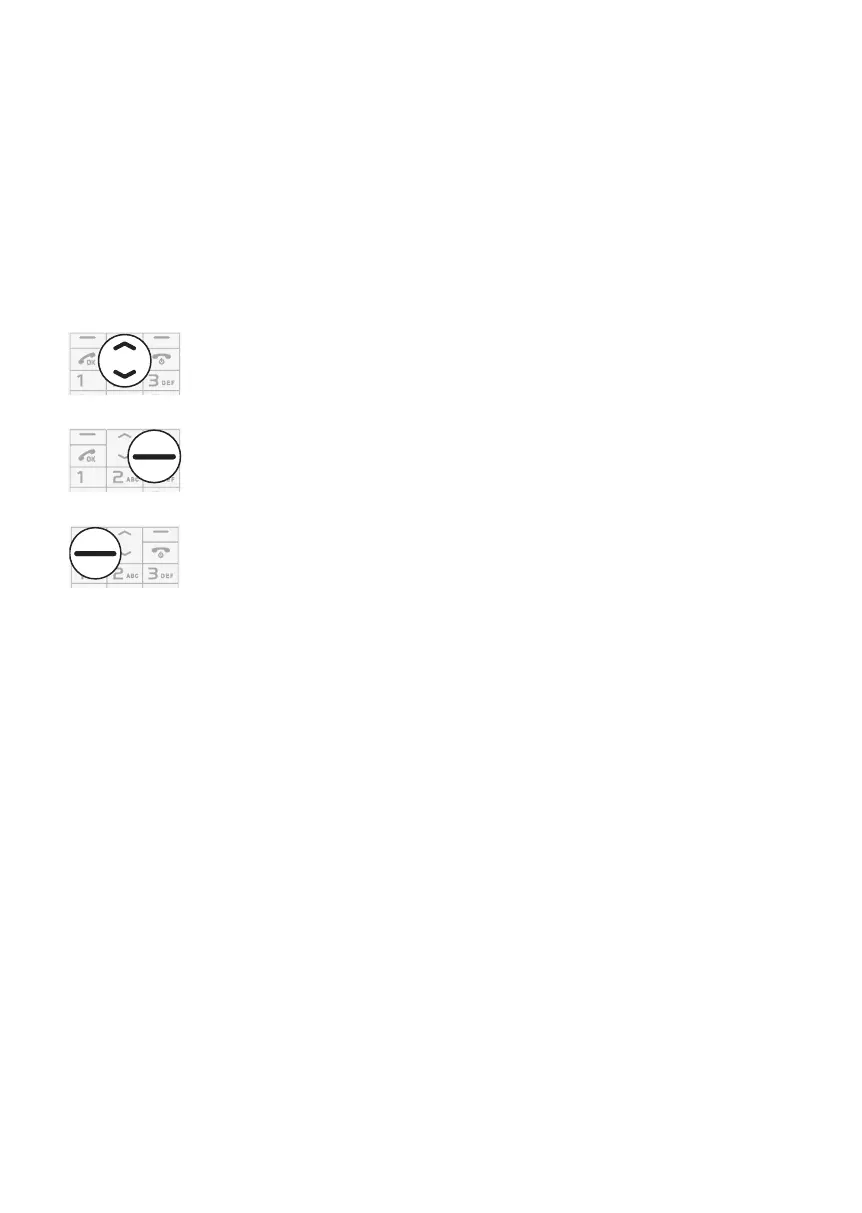
Use the following keys to navigate through the menus provided by the mobile
phone.
Navigate up and down in the menu.
Open submenus and con rm entries.
Navigate one menu level back or discard all your entries and
settings.
Display Texts
All the most important functions are explained below with the aid of texts, illustra-
tions and examples. You will nd display texts illustrated in many sections of this
operating manual. These display texts correspond to the texts which appear in the
screen of your mobile phone. If several display texts are illustrated in succession,
use the navigation keys and softkeys in succession to navigate to the display
texts.



 To Next Page