42
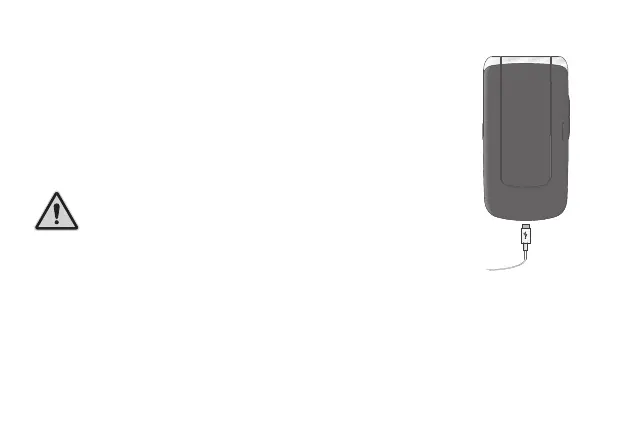
Charging the Battery
1 Connect the power adapter plug on the charging
adapter to a properly installed power socket.
2 Connect the microUSB plug to the microUSB
connection port on the mobile phone. The mi-
croUSB plug is protected against reverse polarity.
cAUtiON! Do not remove the battery while
the mobile phone is being charged. Discon-
nect the charging cable from the mobile
phone before changing or removing the
battery.
3 When the phone battery is fully charged, disconnect the connection
to the power supply. This reduces power consumption.



 To Next Page