44
Switching On the Mobile Phone
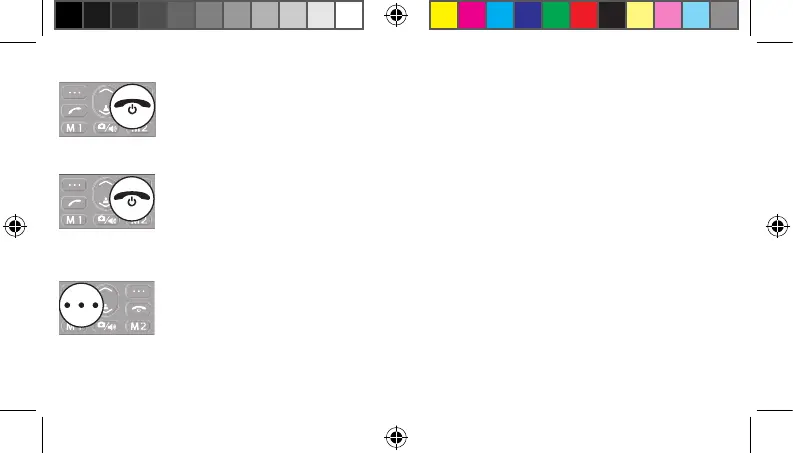
Press the On-hook key for 3 seconds. The mobile phone is switched on. The
start screen appears in the display after a short time.
Press the On-hook key for 3 seconds. The mobile phone is switched o . The
screen display goes out.
When the mobile phone is switched o , you cannot use the emergency call
function (via the SOS key on the mobile phone).
Starting Up for the First Time
When the mobile phone is started up for the rst time, you must select the
language required and con rm it by pressing the left-hand softkey.
20230907_uni_sun_D130_Plus_print.indd 4420230907_uni_sun_D130_Plus_print.indd 44 18.09.2023 11:33:1918.09.2023 11:33:19



 To Next Page