45
Operating the Mobile Phone
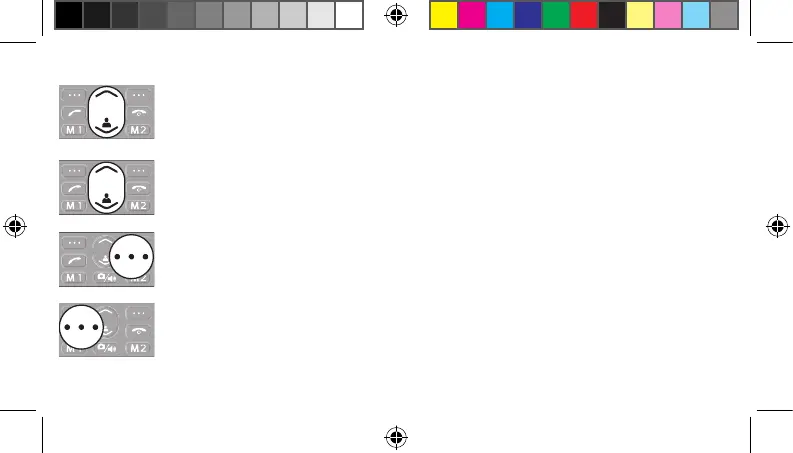
Navigate up, down, left and right through the mobile phone menu using the key.
Some keys are assigned two functions depending on the menu. More informa-
tion is available in the full operating manual available online at
www.go-europe.com.
On the start screen: text messages or picture contacts.
Discard the settings or navigate one menu level back. On the start screen:
phone book.
Open the main menu or con rm your entries.
20230907_uni_sun_D130_Plus_print.indd 4520230907_uni_sun_D130_Plus_print.indd 45 18.09.2023 11:33:1918.09.2023 11:33:19



 To Next Page