3EN
Preparing the Camera
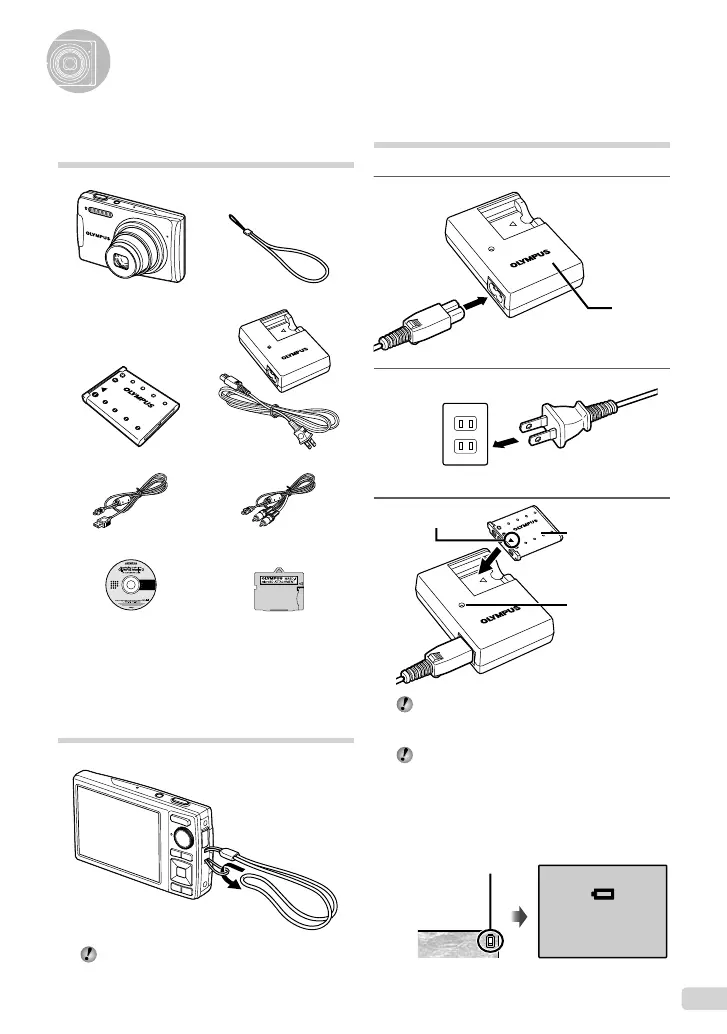
Charging the battery
1
Battery
charger
2
AC outlet
3
▲
Lithium ion
battery
Charging indicator
On: Charging
Off: Charged
Battery comes partially charged. Before use,
be sure to charge the battery until the charging
indicator light turns off (for approx. 5 hours).
For details on the battery and the charger, see
“Battery and charger” (p. 63).
When to charge the battery
Charge the battery when the following error
message appears:
BATTERY EMPTY
Monitor top right Error message
Flashes in red
Checking the contents of the
box
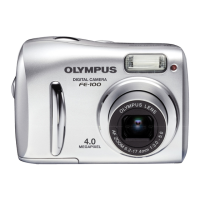
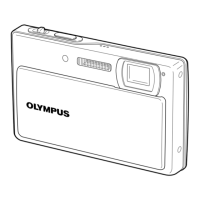
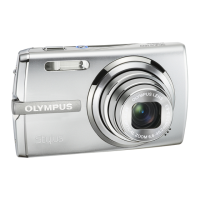
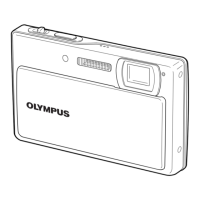
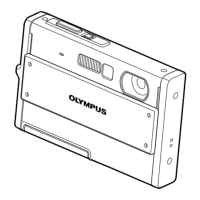
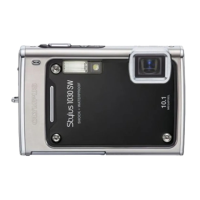
Digital camera Strap
LI-42B Lithium Ion Battery LI-40C Battery Charger
USB cable A/V cable
OLYMPUS Master 2
CD-ROM
microSD Attachment
Other accessories not shown: Instruction Manual,
warranty card
Contents may vary depending on purchase location.
Attaching the camera strap
Pull the strap tight so that it does not come
loose.
bookmyu1060SWBMen.indb3bookmyu1060SWBMen.indb3 2008/07/0210:53:202008/07/0210:53:20


 To Next Page