6 EN
Changing the display language
The language of the menu and error messages
displayed on the monitor is selectable.
1
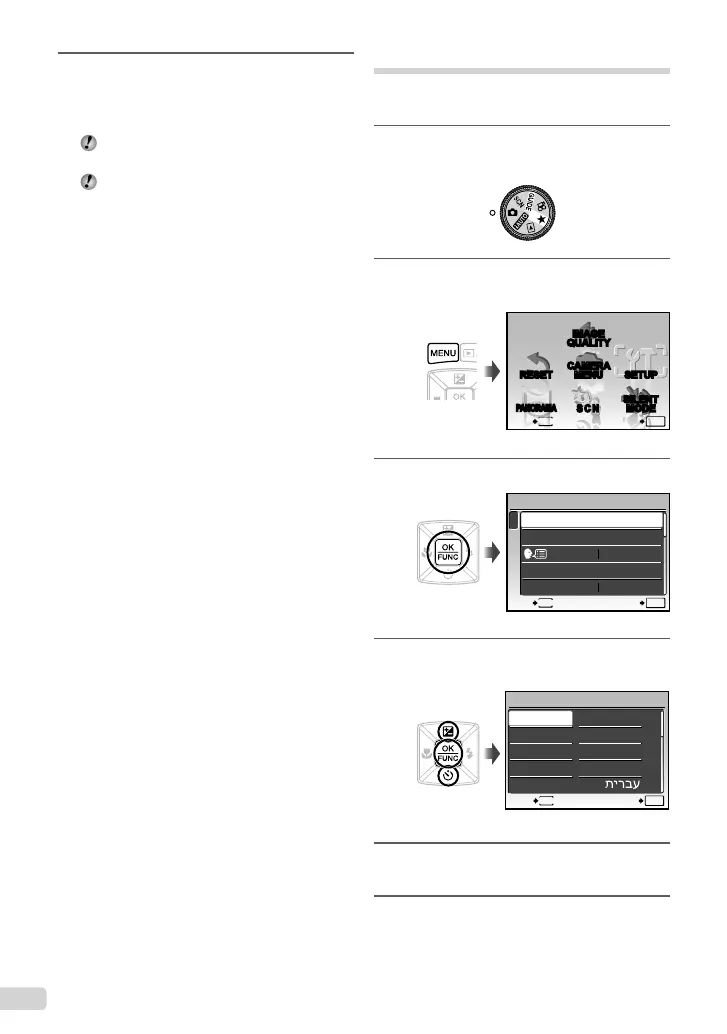
Set the mode dial to a position other
than R or 6.
2
Press the m button, and press
1234 to select [x SETUP].
SCN
RESET
PANORAMA
CAMERA
MENU
SILENT
MODE
MENU
EXIT SET
OK
IMAGE
QUALITY
SETUP
3
Press the button.
1
2
3
BACKUP
NORMAL
SETUP
ENGLISH
PW ON SETUP
MENU COLOR
MEMORY FORMAT
MENU
EXIT SET
OK
4
Use
12
to select [W] and press
the button.
MENU
W
OK
FRANCAIS
DEUTSCH
ESPAÑOL
ITALIANO
ENGLISH
ᣣᧄ⺆
Ĝؗ
Ё᭛ㅔԧ
ʑᄽņⅺŇ
BACK
SET
5
Use
1234
to select your language
and press the button.
6
Press the m button.
4
As in Steps 2 and 3, use 1234
and the button to set [M](month),
[D](day), and [TIME](hours and
minutes).
For precise time setting, press the button
as the time signal strikes 00 seconds.
To change the date and time, adjust the setting
from the menu. [X](Date/time) (p. 46)
To check the date and time
Press the g button while the camera is
turned off. The current time and alarm time are
displayed for approx. 3 seconds.
bookmyu1060SWBMen.indb6bookmyu1060SWBMen.indb6 2008/07/0210:53:232008/07/0210:53:23



 To Next Page