- 39 -
Sample Holders
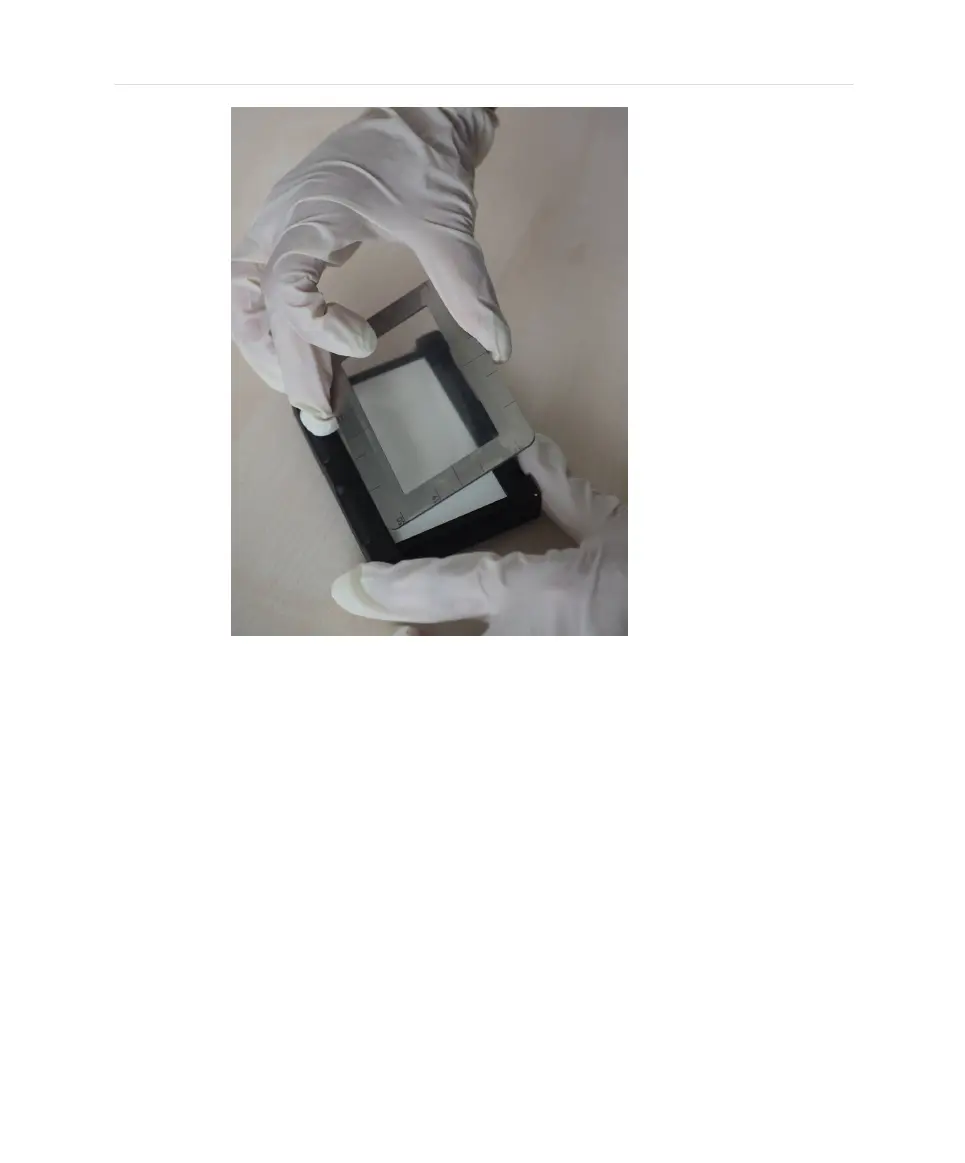
3. After mounting cut protruding sections of the tape.
4. Rotate the frame such that the sticky side of the tape faces upwards. The
frame is secured by magnets.
5. Slide the tape holder into the CIX100 stage insert in position 1 in the same
way as the standard filter holder. The dots imprinted in the sample holder
base should be at the rear of the stage.
39


 To Next Page