- 45 -
Sample Holders
9 Exchanging the stage insert of a CIX100 system for
metallurgical applications
When wanting to inspect metallurgical samples, it may be sensible to exchange the
stage insert with a stage insert without openings for sample holders. When wanting
to remove the stage insert, follow all instructions given in the stage manual.
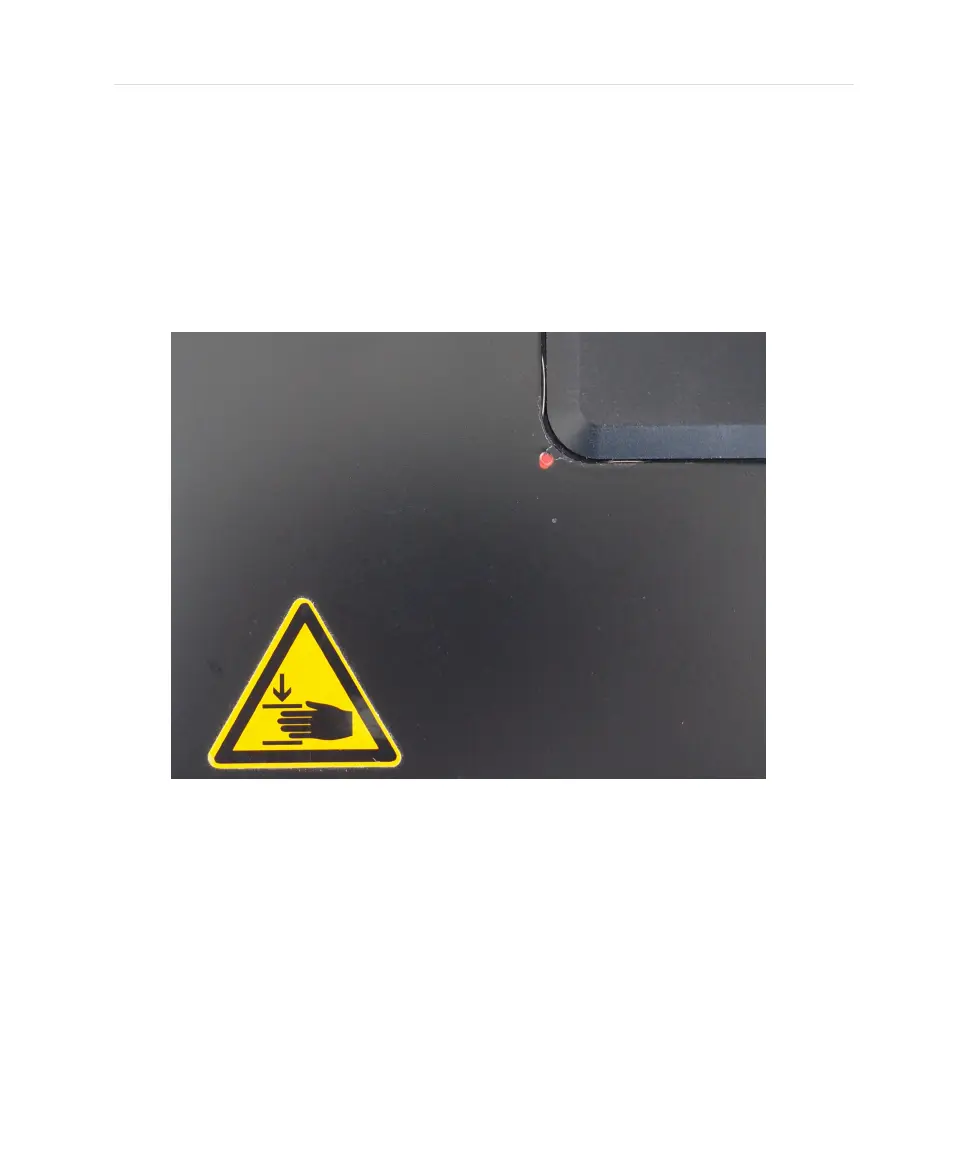
Push the stage insert to the front left (towards the red dot marking) and
subsequently lift the stage insert starting with the right back edge.
Be careful not to affect the clamps fixing the stage insert.
When placing samples for metallurgy on the stage, keep in mind that the Z-range
might not be suitable for the sample height. Carefully follow all safety instructions.
Detailed information regarding the stage insert can be found in the manual
delivered by the stage insert itself.
45


 To Next Page