22
Preparation
4.3.3 Attaching the telescope
• Insert the telescope into the telescope channel of the system
component.
• Make sure that the connector pin clicks into position.
4.3.4 Connecting the light-guide cable
• Refer to the chapter “Compatible equipment” on page 41 to
identify the compatible light-guide cable.
• If applicable, remove inappropriate light-guide adapters from
the telescope.
• Observe the instructions for use of the light-guide cable.
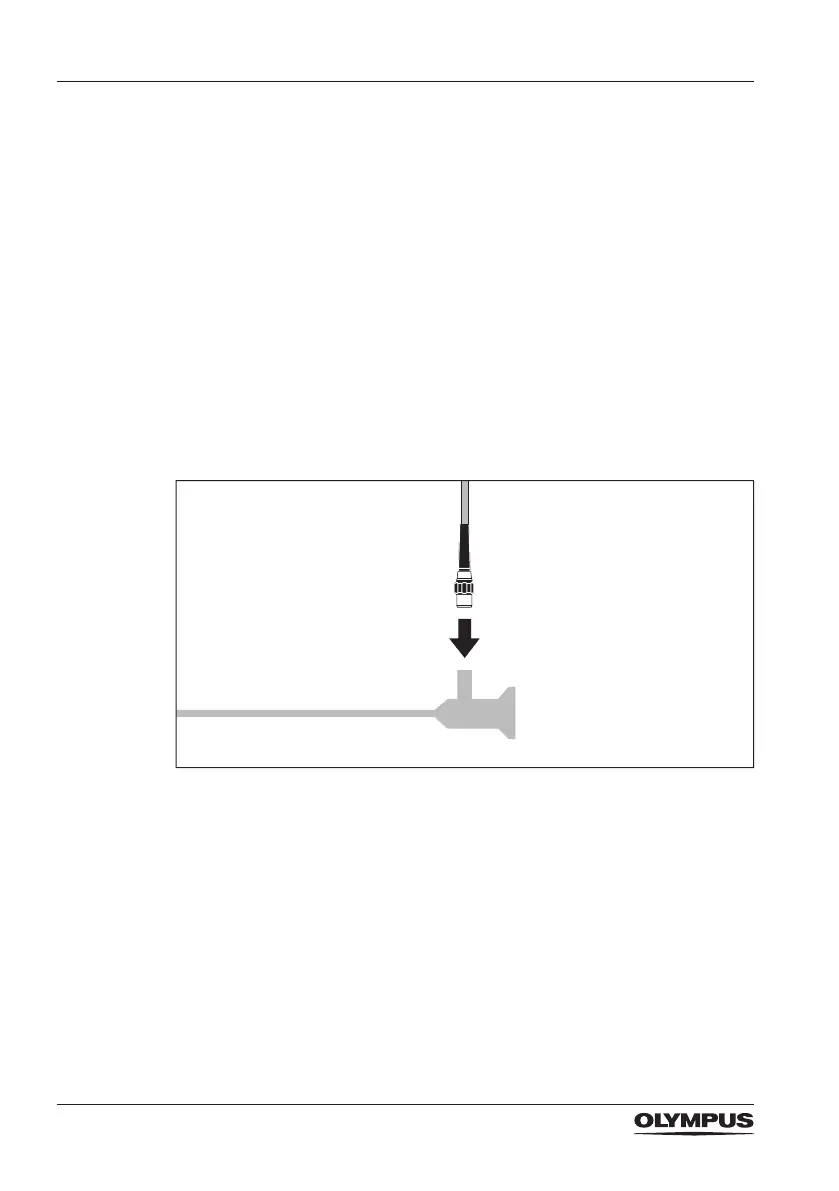
• Connect the light-guide cable to the light-guide connector of the
telescope.
4.3.5 Connecting the video adapter and/or camera head
• Refer to the chapter “Compatible equipment” on page 41 to
identify the compatible video adapter and/or camera head.
• Observe the instructions for use of the video adapter and/or
camera head.



 To Next Page