Shooting
2
60
EN
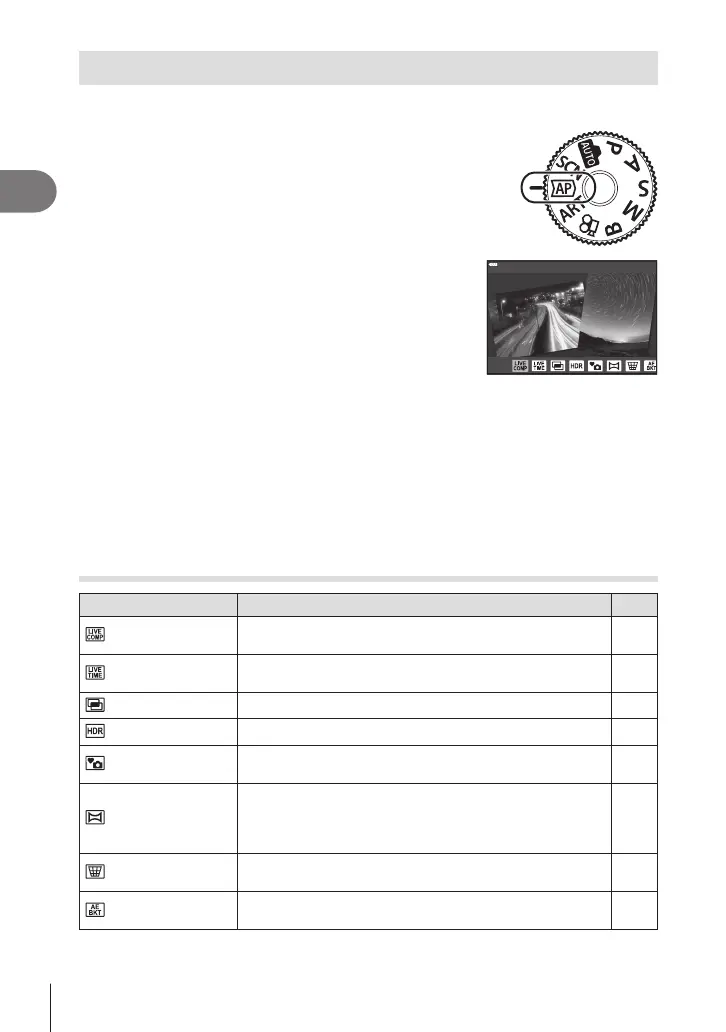
Shooting in advanced photo mode (
Z
mode)
Use for quick access to advanced shooting settings.
1
Rotate the mode dial to Z.
2
Use HI to highlight an AP mode.
• Some modes oer additional options that can be
accessed using G.
3
Press the Q button to select the highlighted mode.
• Press the u button to choose a dierent mode. If additional options are displayed,
press F.
$
• In some modes, the front dial can be used for exposure compensation (P. 81) and the
rear dial for program shift (P. 36).
• Touch controls can also be used.
AP Mode Options
AP mode Description
g
Live Composite
Record light trails from stars and other objects while
keeping exposure constant overall.
61
Live Time
Choose for photos of reworks and night scenery. Make
long time exposures at selected shutter speeds.
62
Multiple Exposure Combine two dierent images on top of one another. 63
HDR Capture details in both highlights and shadows. 64
Silent s
Disable camera sounds and lights in situations in which
they may be unwelcome.
65
Panorama
Take a series of shots that are joined together to create
a wide-angle photo. Choose from two angles of view: a
wider angle than normal shots (z), or an even wider
angle (y).
66
Keystone
Compensation
Correct the eects of perspective in photos of buildings or
landscapes.
67
AE Bracketing
Each time the shutter button is pressed, the camera takes
a series of photos, varying exposure with each shot.
68




 To Next Page