EasyManua.ls Logo

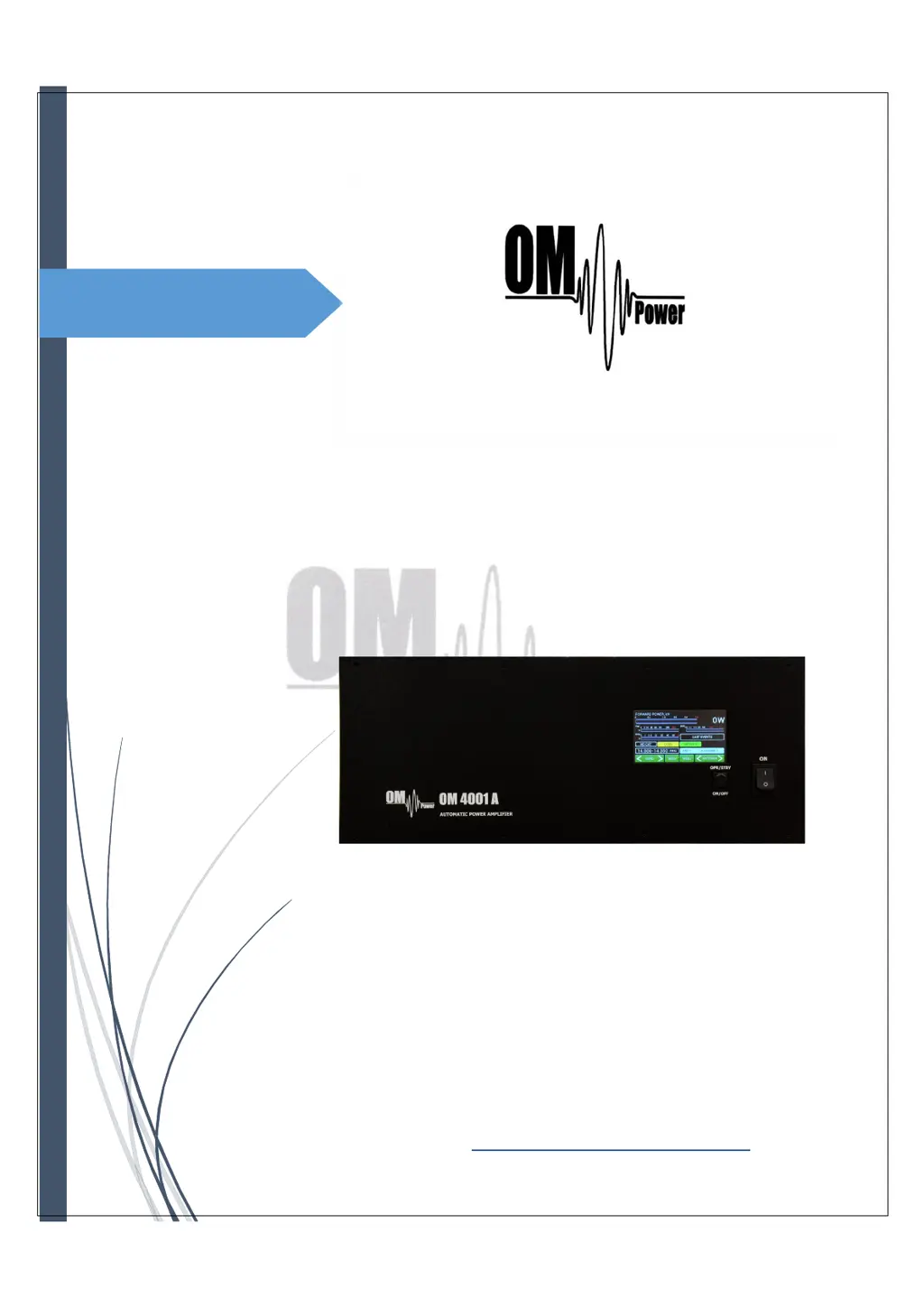
OM POWER OM4001A - User Manual

OM POWER OM4001A
56 pages
Print Icon
To Next Page IconTo Next Page
Loading...
1
MADE IN SLOVAKIA
WWW.OM-POWER.COM
OM Power, s.r.o. 93030 Báč 126,
SLO V A KI A
Co n t a ct : +4 2 1 905 321 410
e-mail : om-power@om-power.com
e-mail : om-power@om-
power.com
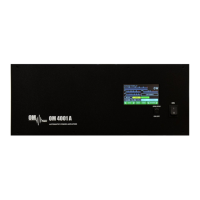
OM4001A
SHORTWAVE
POWER AMPLIFIER

Questions and Answers

  • H
    Hannah TorresSep 8, 2025
    What to check if my OM POWER OM4001A Amplifier shows 'Mains error'?
    • J
      Joan RobertsSep 8, 2025
      This error may be caused by the improper setting of the nominal value of Um. Check the mains voltage, set up the nominal mains voltage, and set up the proper transformer voltage selector.
  • J
    Joseph MooreSep 10, 2025
    How to resolve a 'Cooling error' on my OM POWER Amplifier?
    • D
      diane48Sep 10, 2025
      To resolve a 'Cooling error' on your OM POWER Amplifier, check the blower rotation.
  • J
    Johnny KnappSep 12, 2025
    What to do if my OM POWER OM4001A displays 'Plate voltage error'?
    • B
      Breanna ParkerSep 12, 2025
      If your OM POWER Amplifier shows a 'Plate voltage error', check the plate power supply.
  • R
    Rebekah BatesSep 14, 2025
    What to do if my OM POWER OM4001A Amplifier displays 'Screen voltage error'?
    • L
      Laura HarrisonSep 14, 2025
      If your OM POWER Amplifier shows a 'Screen voltage error', check the screen power supply.
  • T
    Tom CallahanSep 15, 2025
    What to do if my OM POWER OM4001A Amplifier displays 'Grid voltage is low'?
    • Y
      ybrightSep 16, 2025
      If your OM POWER Amplifier displays that the 'Grid voltage is low', check the grid power supply.
  • D
    Debbie PetersSep 18, 2025
    What to do if my OM POWER OM4001A displays 'Heating voltage error'?
    • S
      Sydney WrightSep 18, 2025
      If your OM POWER Amplifier displays a 'Heating voltage error', set up the proper transformer voltage selector.

Summary

SAFETY INSTRUCTIONS

GENERAL DESCRIPTION

INSTALLATION

4.1. Grounding

Instructions on properly grounding the amplifier for safe operation.

OPERATION

5.2. OM4001 A control

How to operate the amplifier using the touch screen interface and control buttons.

5.3. Preparing for operation

Steps to prepare the amplifier for operation after initial setup.

5.4. Operation mode

Detailed steps and explanations for operating the amplifier in different modes.

MAINTENANCE

6.1. Indication of Fault Conditions

Explains warning and fault messages displayed by the amplifier's protection circuits.

APPENDIX

7.3. OM4001 A Remote Control

Using dedicated software for remote operation and monitoring of the amplifier.

7.11 Troubleshooting

Guide to diagnosing and resolving common faults and warning messages.

OM POWER OM4001A Specifications

General IconGeneral
Frequency Coverage1.8 - 30 MHz
CoolingForced air
SWR ProtectionYes
Input Impedance50 ohms
Output Impedance50 ohms
Suppression of Harmonics-50 dB
Power Supply220 V AC
Dimensions485 x 200 x 455 mm
Operating ModesSSB, AM, CW
Frequency Response1.8 – 29.7 MHz

Related product manuals