USER MANUAL
PAGE 5
Ωmegadigitech ©2018
3 - Software settings :
The M202 has a quick menu to allow for quick basic settings. For adnanced settings an andvanced
menu is available.
3.1 - Quick menu :
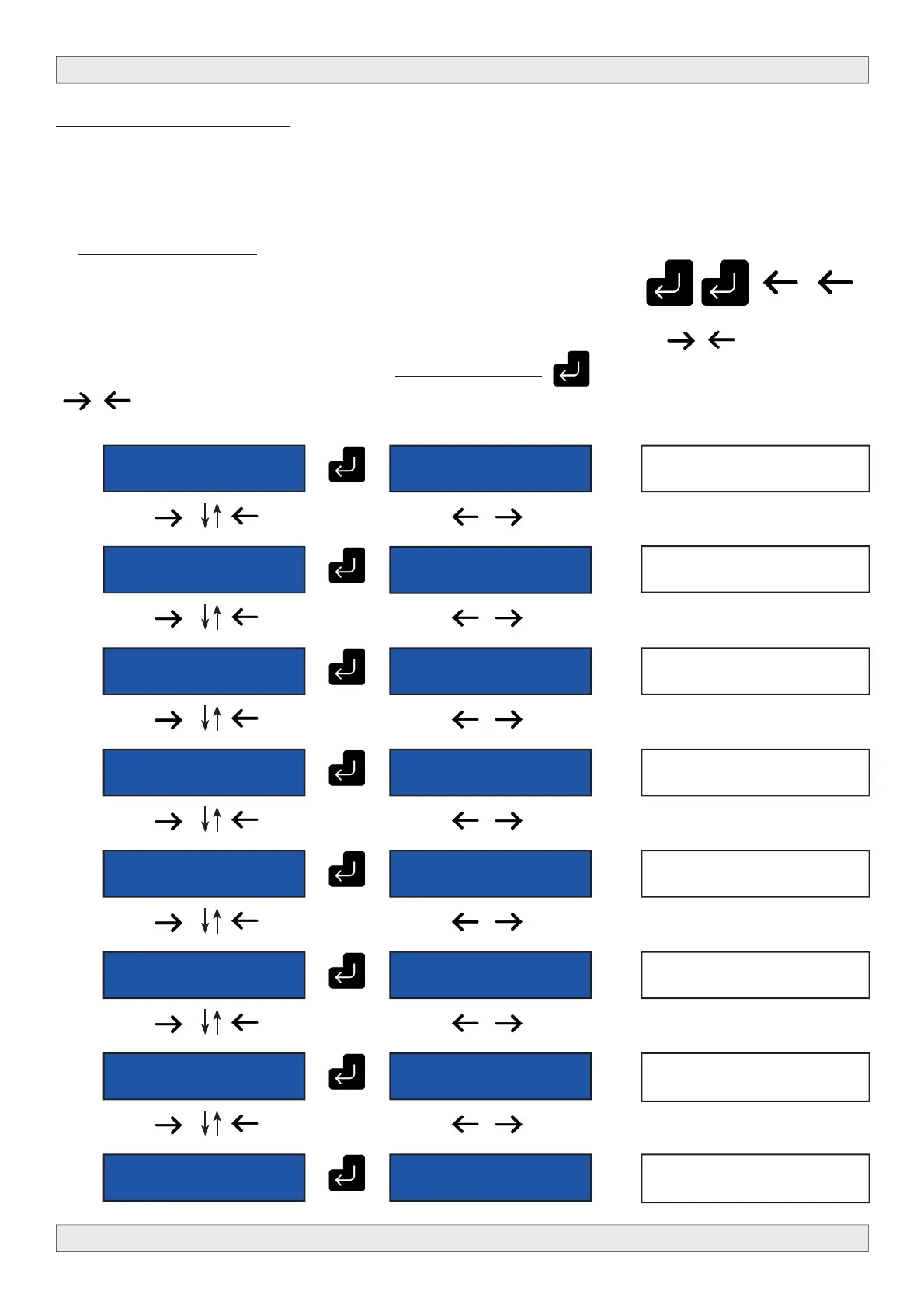
To enter the quick menu please push following sequence of buttons
When entered succesfully, the quick menu comes accessible, use the buttons to
move between the diff erent menu options, PRESS AND HOLD to select that option and use
to change the value for that option. Changes are automatically saved.
M202
M202 19.0
CHANNEL
M202 19.0
ATTENUATION
M202 19.0
COUNTRY
M202 19.0
L.C.N.
M202 19.0 TS
ID.
M202 19.0
LANGUAGE
M202 19.0
DEFAULT
CONFIG.
M202 19.0
EXIT
M202 19.0 21
(474 MHz)
Change the output channel.
Change the output level.
Change the country
Change the L.C.N. number
Change the TS ID.
Change the language.
Go back to factory settings
Leave this menu.
M202 19.0 5
dB
M202 19.0
[FRANCE]
M202 19.0
790
M202 19.0
100
M202 19.0
[ENGLISH]
M202 19.0
[YES]
M202 19.0
[YES]



 To Next Page