EasyManua.ls Logo

Omega Digitech M202 - TS Settings Configuration

Default Icon
8 pages
Print Icon
To Next Page IconTo Next Page
To Previous Page IconTo Previous Page
Loading...
USER MANUAL
PAGE 7
Ωmegadigitech ©2018
M202
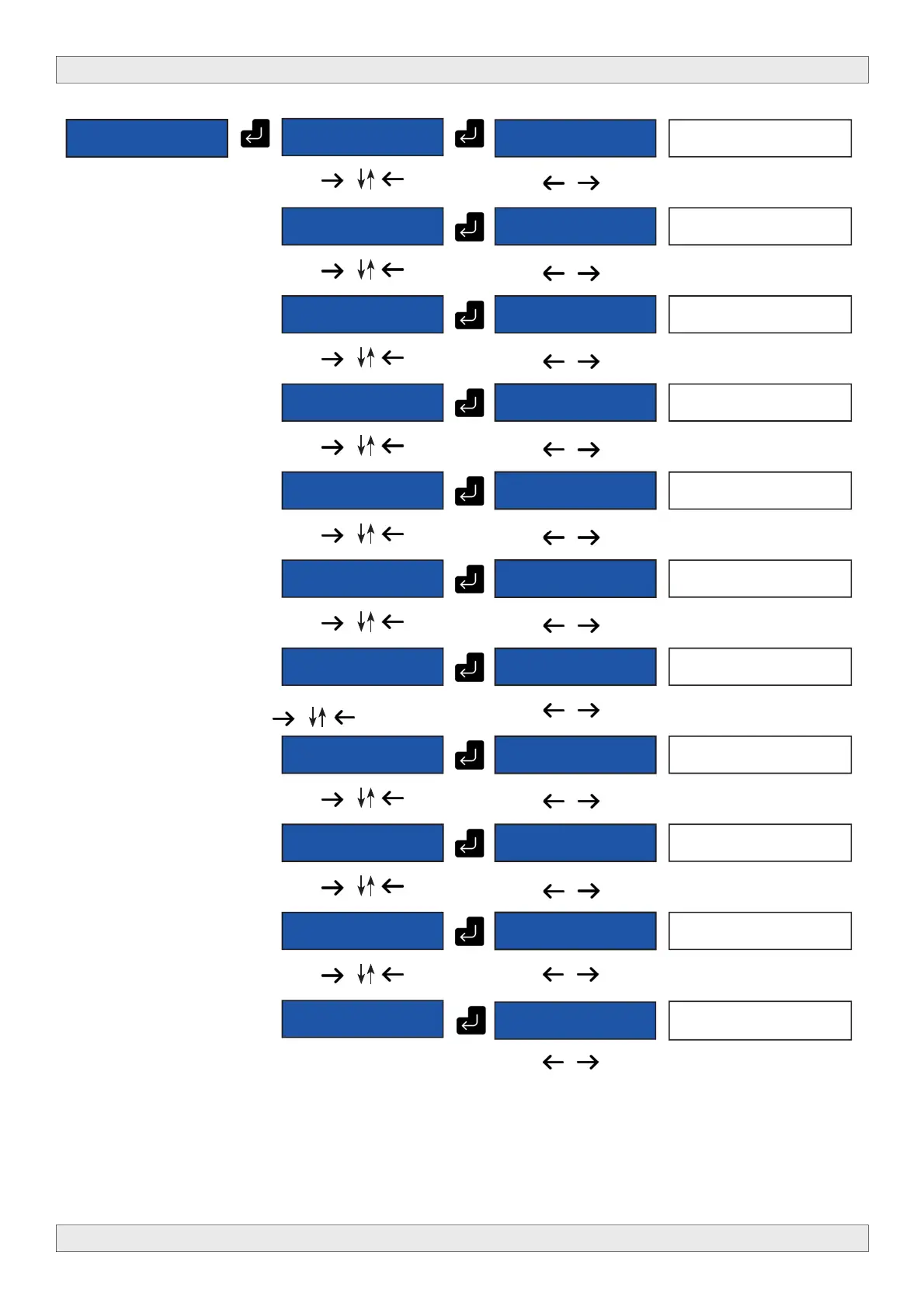
M202 19.0 TS
SETTINGS
M202 19.0 NIT
RELEASE
M202 19.0
30
Set the NIT version
M202 19.0
NET ID.
M202 19.0
10000
Set the Network ID
M202 19.0
ORIG. NET ID.
M202 19.0
8442
Set the original network ID for
your country
M202 19.0
LCN ID.
M202 19.0
[EACEM]
Set the LCN system,
EACEM, ITC, Nortdig or Austral.
M202 19.0
NETWORK NAME
6789.[A]BCDEF
Set the network name
M202 19.0
SERVICE NAME
6789.[A]BCDEF
Channel A
Set the service name
M202 19.0
PROGRAM ID
M202 19.0
1
Set the Program ID
M202 19.0 PMT
PID
[M202 19.0
32
Set the PMT PID
M202 19.0
VIDEO PID
M202 19.0
48
Set the video PID
M202 19.0
AUDIO PID
M202 19.0
49
Set the audio PID
M202 19.0
EXIT
Leave this menu.
M202 19.0
[YES]