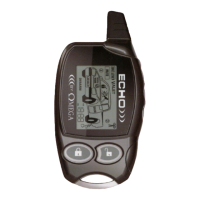
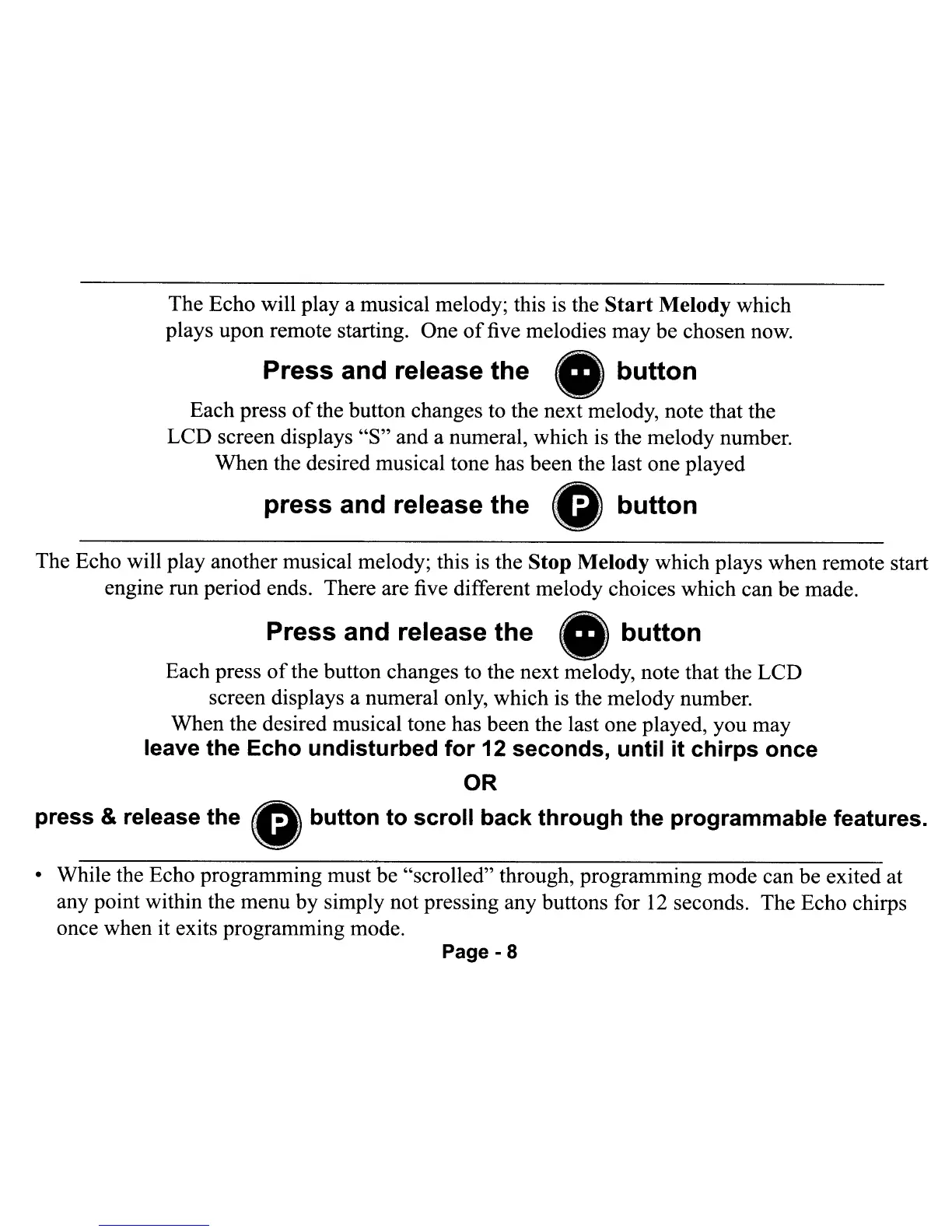
The Echo will
playa
musical melody; this
is
the Start Melody which
plays upon remote starting. One
of
five melodies may be chosen now.
Press and release the
button
Each press
of
the button changes to the next melody, note that the
LCD screen displays "S" and a numeral, which
is
the melody number.
When the desired musical tone has been the last one played
press
and release
the
0
button
The Echo will play another musical melody; this
is
the Stop Melody which plays when remote start
engine run period ends. There are five different melody choices which can be made.
Press and release
the
•
button
Each press
of
the button changes to the next melody, note that the LCD
screen displays a numeral only, which is the melody number.
When the desired musical tone has been the last one played, you may
leave the Echo undisturbed for 12 seconds, until it chirps once
OR
press & release
the
0
button
to
scroll
back
through
the
programmable
features.
• While the Echo programming must be "scrolled" through, programming mode can be exited at
any point within the menu by simply not pressing any buttons for
12
seconds. The Echo chirps
once when it exits programming mode.
Page - 8
The Echo will
playa
musical melody; this
is
the Start Melody which
plays upon remote starting. One
of
five melodies may be chosen now.
Press and release the
button
Each press
of
the button changes to the next melody, note that the
LCD screen displays "S" and a numeral, which
is
the melody number.
When the desired musical tone has been the last one played
press
and release
the
0
button
The Echo will play another musical melody; this
is
the Stop Melody which plays when remote start
engine run period ends. There are five different melody choices which can be made.
Press and release
the
•
button
Each press
of
the button changes to the next melody, note that the LCD
screen displays a numeral only, which is the melody number.
When the desired musical tone has been the last one played, you may
leave the Echo undisturbed for 12 seconds, until it chirps once
OR
press & release
the
0
button
to
scroll
back
through
the
programmable
features.
• While the Echo programming must be "scrolled" through, programming mode can be exited at
any point within the menu by simply not pressing any buttons for
12
seconds. The Echo chirps
once when it exits programming mode.
Page - 8


 To Next Page
 Loading...