1-12 Electronics Tray
Electronics Tray
OmniTT/AnesthesiaTT Installation and Service Guide/67-2024 Rev D © 2010 Omnicell, Inc.
Cables
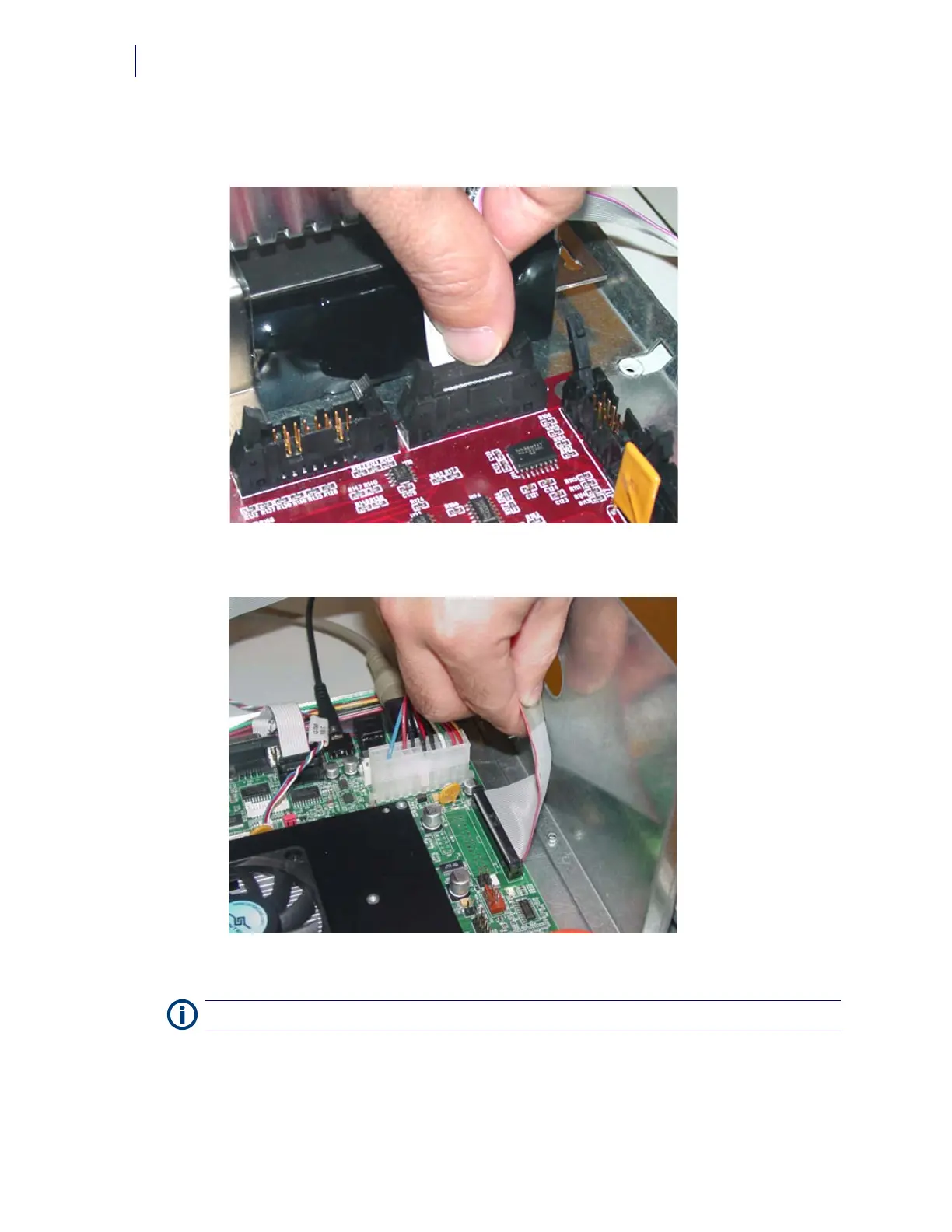
1. Connect the wireway cable to the J10 of the PowerCom3 Board
.
Figure 1-19. Connect the Wireway Cable to J10 of the PowerCom3 Board
2. Connect the printer cable to J27 on the motherboard.
Figure 1-20. Connect the Printer Cable to J27 of the Motherboard
3. Connect the fan power cable to J17 on the UPS board (if applicable).
Note:
Ensure that the red wire is connected closest to Pin 1.



 To Next Page