© 2010 Omnicell, Inc. OmniTT/AnesthesiaTT Installation and Service Guide/67-2024 Rev D
Frames and Wireways 2-1
Introduction
Frames and Wireways
Introduction
The OmniTT/Anesthesia TT has a metal frame which houses the SPC boards and many of the
cables that connect the components of the system. The frame is not field repairable and must be
replaced if it is damaged. The wireway on the right side of any cabinet in an Omni TT is
removable and the SPC board contained in the wireway is also replaceable.
Tools List
The following tools are required to perform the procedures in this chapter:
Tor x T8 driver
Torx T10 driver
Torx T15 driver
9/64” Allen wrench
Wireway
1. Perform a graceful shutdown of the electronics sled.
2. Remove the manual override cover.
3. Remove all three drawers from the TT cabinet. For help, refer to “Removal Procedure” on
page 3-6.
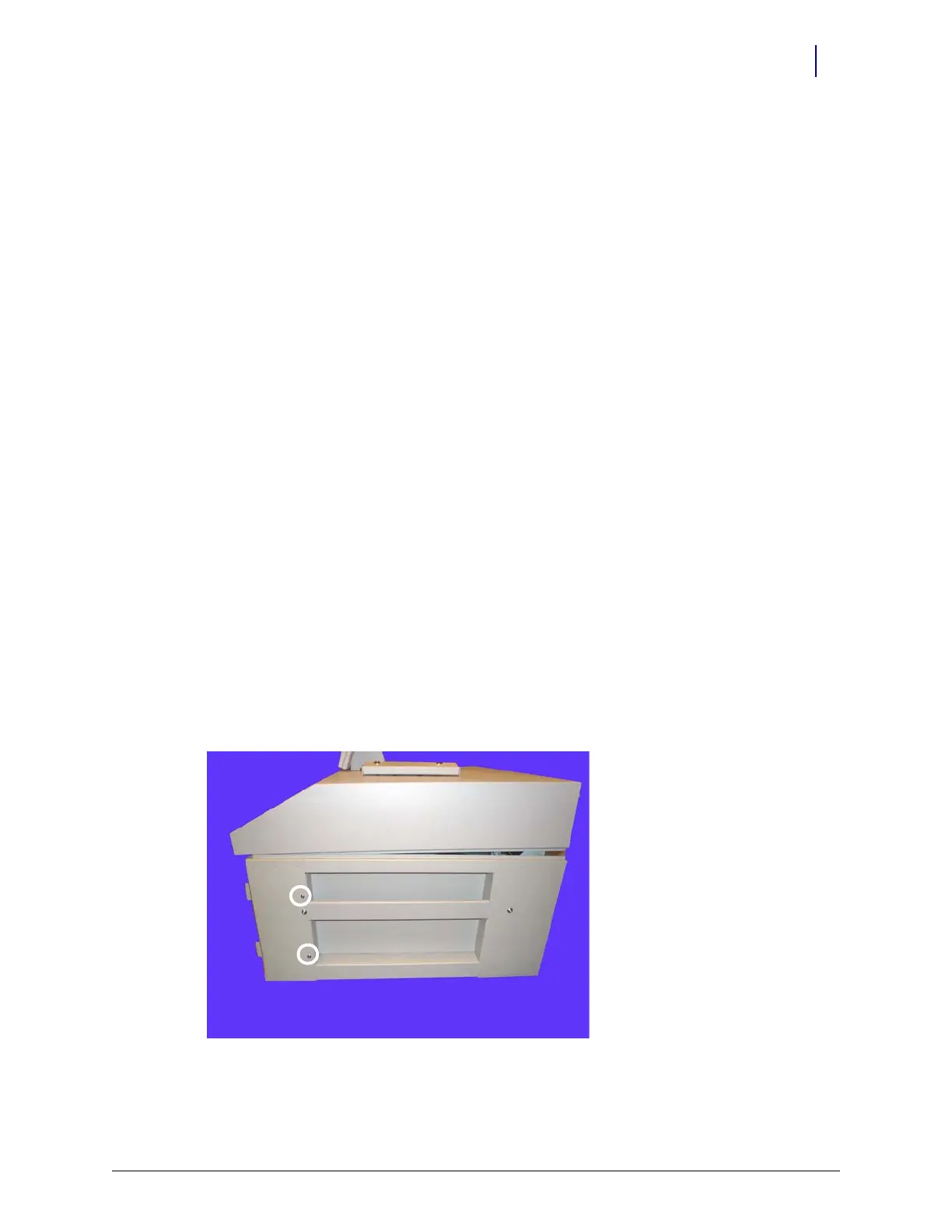
4. Remove the two screws on the right side of the OmniTT that secure the wireway to the frame
using a Torx T15 screwdriver.
Figure 2-1. Remove the two screws securing the wireway



 To Next Page