5
EN
1. Know Your Unit
2. Inserting and Replacing the Batteries
1. Open the battery cover on the back of
the main unit.
1)
Press the tab of the battery cover to
release it.
2) Pull it up as shown.
2. Install the batteries in correct polarity
as marked inside the battery
compartment.
3. Close the battery cover.
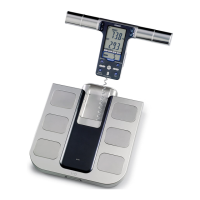
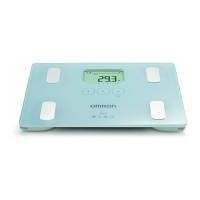
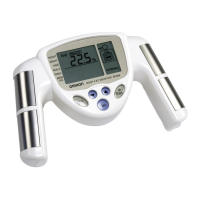
Grip Electrodes
Power Switch
Display
Cord
Display Unit Holder
USER Button
GUEST Button
SET/MODE Button
Up/Down Buttons
Foot Electrodes
Display Unit
Main Unit (Measurement Platform)
Front View
Buttons
Battery Life and Replacement
When the battery low indicator ( ) appears,
replace all four batteries with new ones.
Personal data stored in memory are retained
even if the batteries are removed.
• Replace the batteries after turning off the power.
• Disposal of used batteries should be carried out
in accordance with the national regulations for
the disposal of batteries.
• Four AA batteries will last approximately 1 year
(when measurements are made four times a
day).
• Because the supplied batteries are for trial use
only, they may have a shorter life.
HBF-508-E_main.book 5 ページ 2011年12月28日 水曜日 午後5時11分








 To Next Page
