System Configuration
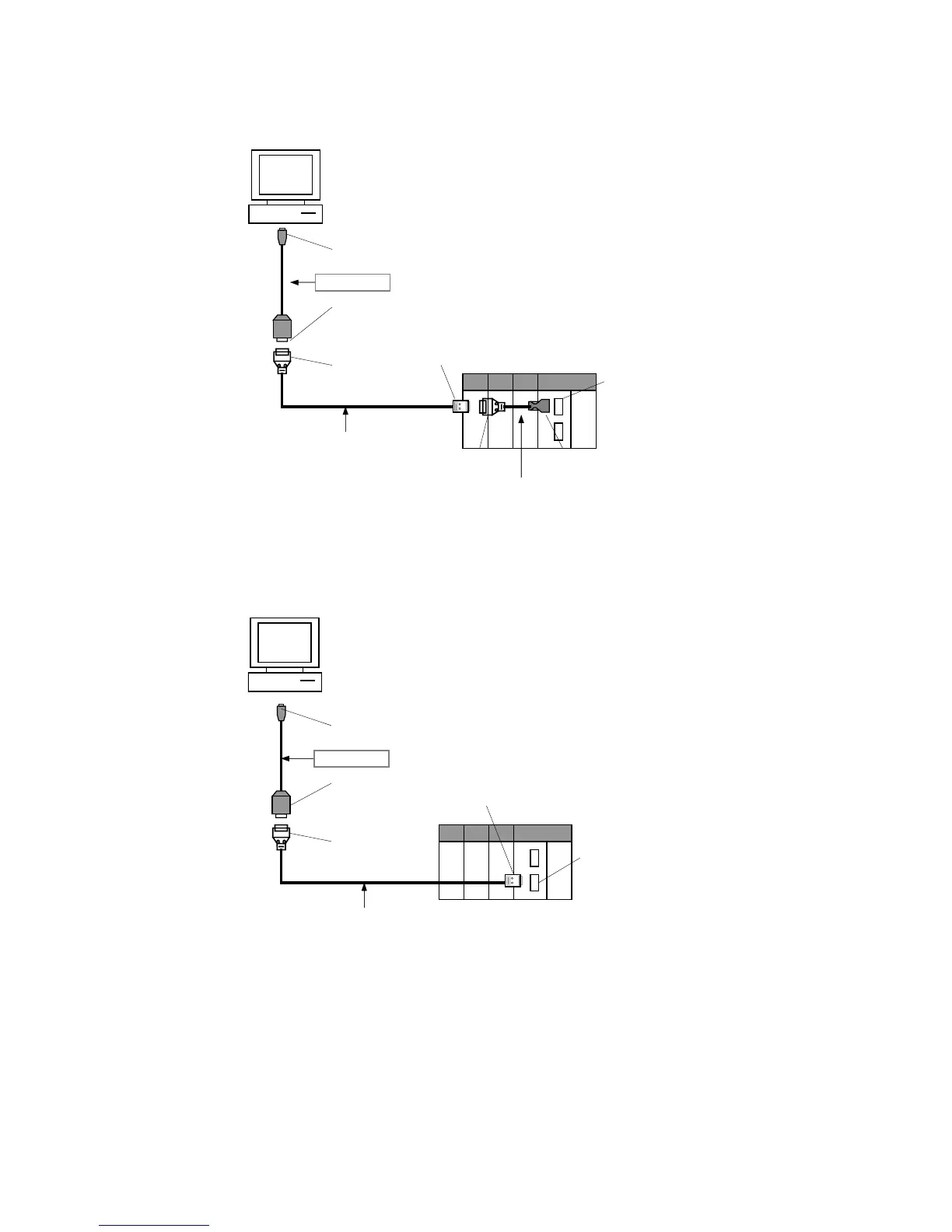
• Using a XW2Z-200S-CV/500S-CV or XW2Z-200S-V/500S-V Cable for an RS-232C
Connection
CS1W-CN118
Peripheral port
D-sub Connector
(9-pin female)
XW2Z-200S-CV/500S-CV
or
XW2Z-200S-V/500S-V (See note.)
D-sub Connector
(9-pin male)
D-sub Connector (9-pin male)
D-sub Connector
(9-pin female)
CS/CJ-series peripheral connector
CS/CJ-series PLC connection
Customizable Counter Unit connection
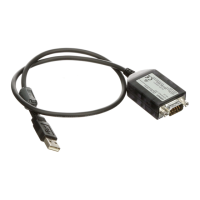
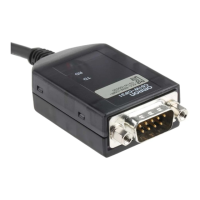
CS1W-CIF31
USB type A plug, male
Note: With a CS/CJ-series PLC, the connection must be a host link connection.
● Connecting to the RS-232C Port
• Using a XW2Z-200S-CV/500S-CV or XW2Z-200S-V/500S-V Cable for an RS-232C
Connection
RS-232C port
D-sub Connector
(9-pin female)
D-sub Connector
(9-pin female)
Recommended cable:
XW2Z-200S-CV/500S-CV
or
XW2Z-2
D-sub Connector
(9-pin male)
D-sub Connector
(9-pin male)
CS/CJ-series PLC connection
CS1W-CIF31
USB type A plug, male
Note: With a CS/CJ-series PLC, the connection must be a host link connection.
16


 To Next Page