2020
If this happens... Possible causes... Try this solution...
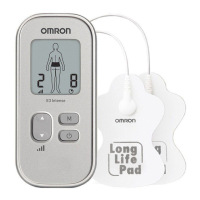
Pad icon is
displayed.
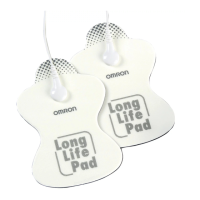
Only 1 pad is attached, or both pads are
not attached.
Re-attach dislocated pad(s) onto the skin
¿ rmly. Power off-on after correction.
Have you removed the transparent ¿ lm
from the pad?
Peel off the ¿ lm on the adhesive surface of
pads. Power off-on after correction.
Is the cord properly connected to the main
unit?
Connect the cord plug correctly into the
jack at the bottom of the main unit. Power
off-on after correction.
Is the adhesive surface of pads dirty or
dry?
Wash the adhesive surface of pads softly
with your ¿ ngertips for about 3 seconds
under cold slow running water. Power
off-on after correction.


 To Next Page