EasyManua.ls Logo

Omron E5CJ-Q2HB - User Manual

Omron E5CJ-Q2HB
69 pages
Print Icon
To Next Page IconTo Next Page
Loading...
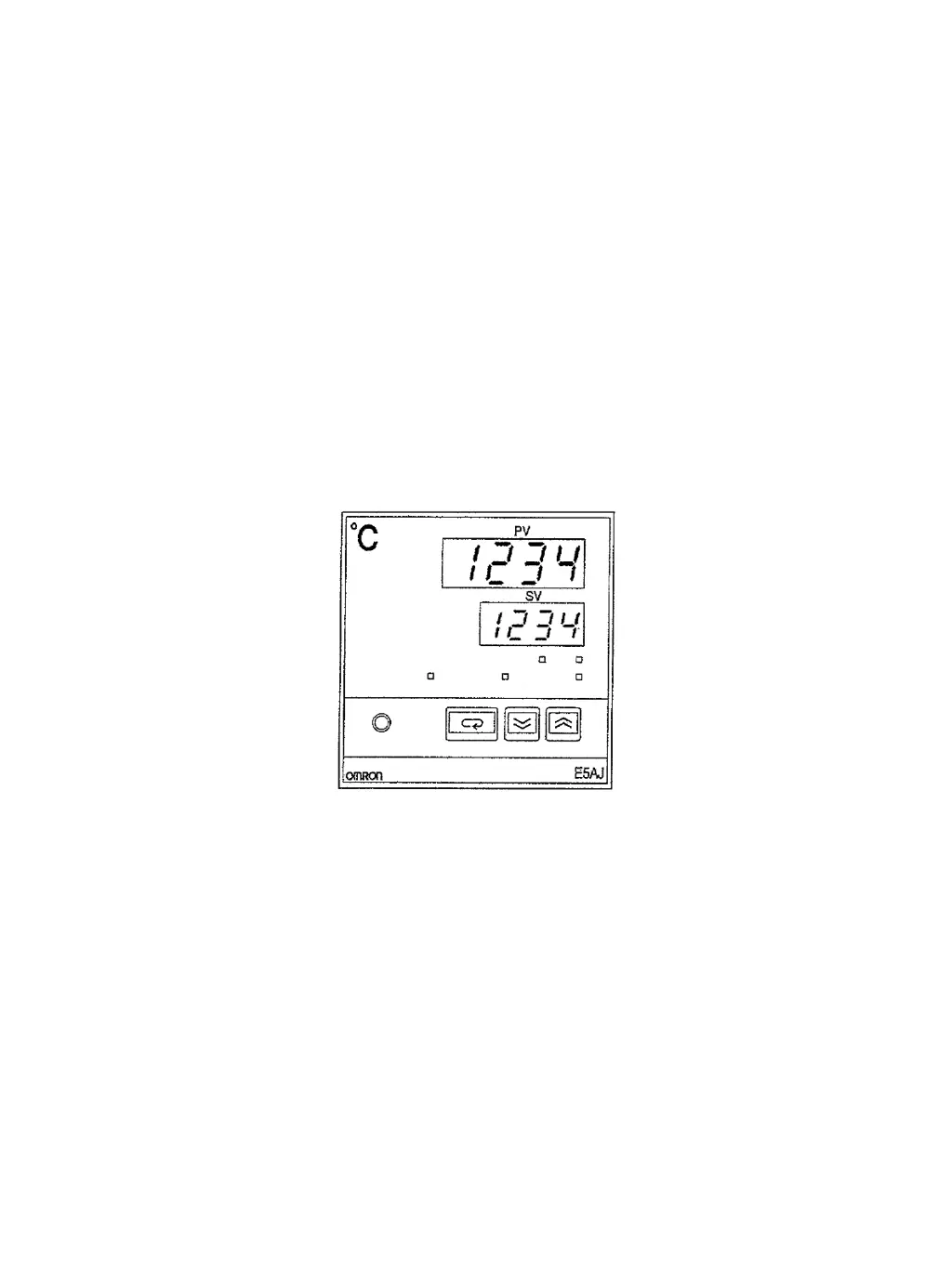
E5J Temperature Controller
Operation Manual
Cat. No. Z103-E3-1

Table of Contents

Questions and Answers

  • M
    Mary HernandezAug 16, 2025
    Why does hunting not stop on my Omron E5CJ-Q2HB Temperature Controller?
    • E
      erica69Aug 16, 2025
      Hunting might not stop because the control period is too long for the controlled device's characteristics, causing hunting in sync with the control period. Shorten the control period to resolve this. Alternatively, continuous external disturbances may affect the temperature before a previous disturbance has stabilized. In this case, a 100% improvement may not be possible, but you can widen the stable range to exceed the temperature change so that HT will not be ON.
  • L
    laurawilsonAug 25, 2025
    How to fix the fluctuating response of Omron Temperature Controller?
    • K
      Kim RobertsAug 25, 2025
      A fluctuating response, alternating between good and bad, may occur if there is a heater or cooling device not controlled by the Temperature Controller's control output (e.g., forced heating or cooling is executed using alarm outputs). In this case, fuzzy self-tuning may not work. Set the control mode to advanced PID and adjust the PID constants manually.
  • D
    David CamposSep 1, 2025
    What to do if Omron E5CJ-Q2HB Temperature Controller response fails to reach operational requirements?
    • I
      Ian WilliamsSep 1, 2025
      If the response fails to reach operational requirements, it could be due to continuous characteristics changes. To address this, you can either adjust the stable range so that fuzzy self-tuning will not be turned ON, or set the control mode to the advanced PID and manually adjust the PID constants. Another reason could be that the response speed of the controlled device is too fast for a sampling period of 500 ms. Note that the Thermac E5 J Temperature Controller cannot support a sampling period of less than 500 ms. Finally, the temperature may be affected by nearby devices. Fuzzy self-tuning does not support countermeasures against interference, so set the control mode to the advanced PID and manually adjust the PID constants.
  • J
    James RileyNov 8, 2025
    Why doesn't the Omron Temperature Controller reach the set point?
    • A
      Aaron WernerNov 8, 2025
      The temperature might not reach the set point because the dead time measured was longer than the actual value, leading to inappropriate PID constants. This can occur if the load (like a heater) was turned on after the Temperature Controller started. To resolve this, execute SRT again by setting the control mode to advanced PID with a proportional band of 0.1°C, then set the control mode to advanced PID with fuzzy self-tuning again. Wait until the control system's temperature is stable, then turn on the Temperature Controller and the load simultaneously, or turn on the load first for SRT. Another reason could be that the PID constants were changed from the ideal value because HT is continuously ON when there was a periodic temperature change larger than the stable range due to an external d...

Summary

Section 1 Introduction

1-3 Specifications

Technical specifications for E5AJ, E5EJ, and E5CJ models, including ratings and characteristics.

Section 2 Sensor and Mode Settings

2-3 Internal Switch Settings

Details on internal switch positions and selector settings for configuration.

Section 3 Settings Before Operation

Section 4 Fuzzy Self-tuning

4-1 Fuzzy Self-tuning Operation

Explanation of the three features: Step Response Tuning (SRT), Disturbance Tuning (DT), and Hunting Tuning (HT).

4-2 Troubleshooting

Guidance for troubleshooting issues when Unit operation is not smooth.

Section 5 Installation and Wiring

5-2 Wiring

Instructions and precautions for wiring the E5□J unit correctly.

Section 6 Troubleshooting

6-1 Error Display and Output

Lists process values and outputs when errors occur, with items to check.

6-2 Troubleshooting

Provides a table for troubleshooting common phenomena and their countermeasures.

Section 8 Heater Burnout Detection

8-1 Heater Burnout Detection

Describes how the E5□J detects heater burnout using a Current Transformer (CT).

8-2 Heater Burnout Procedures

Outlines the steps for heater burnout detection and resetting the alarm.

8-4 Heater Burnout Alarm Value

Guidance on obtaining and setting the proper heater burnout alarm value.

Section 9 Engineering Level Settings

Section 10 Auto-tuning

Omron E5CJ-Q2HB Specifications

General IconGeneral
BrandOmron
ModelE5CJ-Q2HB
CategoryTemperature Controller
LanguageEnglish

Related product manuals