EasyManua.ls Logo

Omron HEM-630 - User Manual

Omron HEM-630
20 pages
Print Icon
To Next Page IconTo Next Page
Loading...
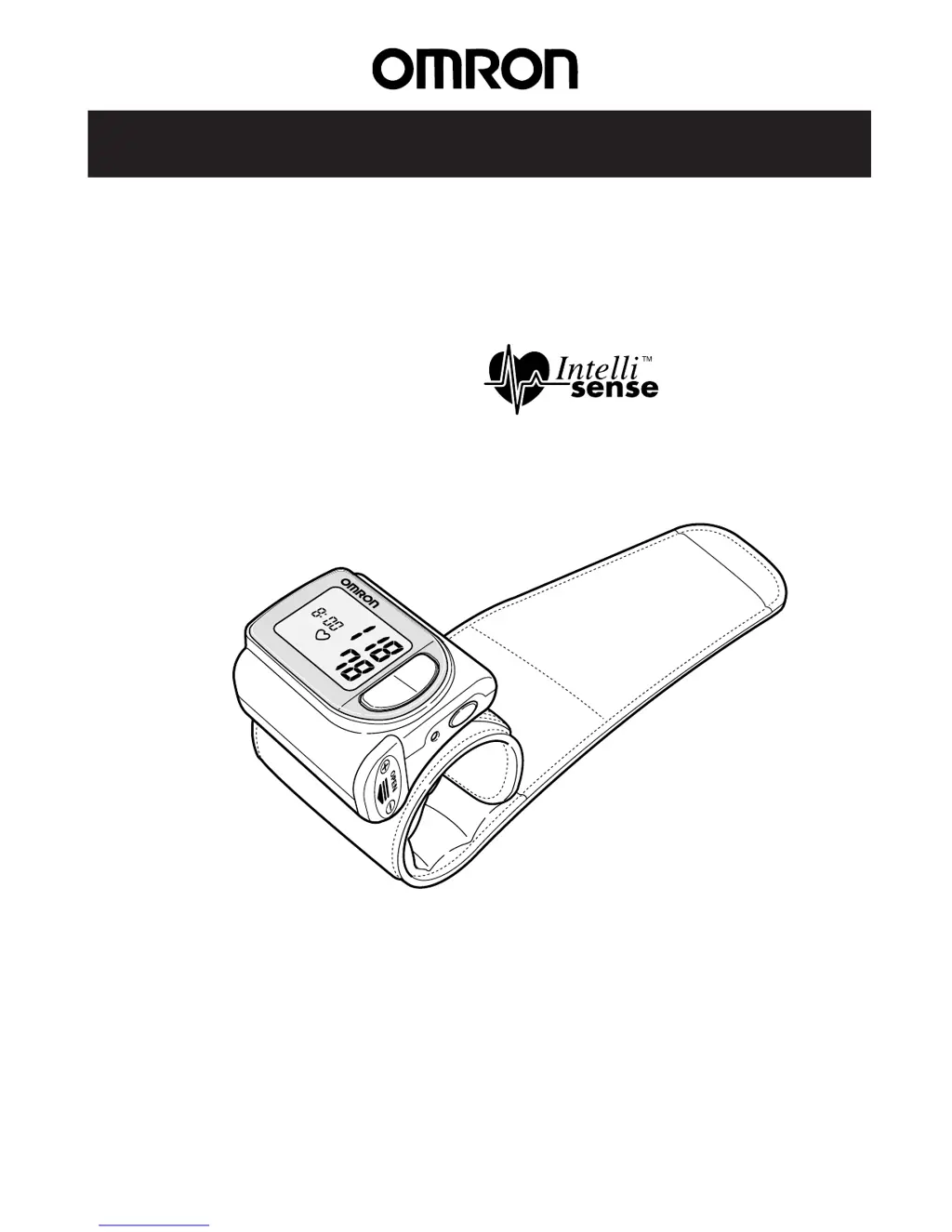
Instruction Manual
Ultra Compact Wrist
Blood Pressure Monitor
with
Model HEM-630
SYS
m
m
Hg
DIA
m
m
H
g
P
U
LS
E
/m
in
M
DATE
/
TIME SET
ON
OFF
Thank you for purchasing the Omron Ultra Compact Wrist Blood
Pressure Monitor with IntelliSense™. Please read this instruction
manual thoroughly before operating to assure proper use.
For specific information on your own blood pressure,
CONTACT YOUR PHYSICIAN.

Questions and Answers

  • C
    Charles SilvaJul 30, 2025
    Why Omron HEM-630 cannot measure or readings are too low?
    • C
      Carlos AdamsJul 30, 2025
      If you cannot measure your blood pressure or the readings appear too low or high on your Omron Blood Pressure Monitor, ensure you are holding the wrist cuff at heart level and maintaining the correct posture during measurement. Check that the cuff is wrapped snugly around your wrist. Avoid tensing your arms and shoulders; instead, relax before measuring. Refrain from talking or moving your hands during the measurement process to ensure accurate readings.
  • W
    williamsmaryAug 5, 2025
    Why is blood pressure different each time with Omron HEM-630?
    • J
      Joshua RivasAug 5, 2025
      Blood pressure readings can vary due to the time of measurement and your nervous condition. To address inconsistent readings on your Omron Blood Pressure Monitor, take deep breaths to relax before measuring your blood pressure.
  • M
    Melinda SerranoAug 10, 2025
    What to do if Omron HEM-630 Blood Pressure Monitor stops after several seconds?
    • J
      Jesus HoganAug 11, 2025
      If the Omron Blood Pressure Monitor stops after several seconds, it may be due to movement of your arm or body, or talking during measurement. Press the START/STOP button once to turn off the power, sit still, and then restart the measurement. Also, check if the batteries are dead and replace them with new ones.
  • C
    Colleen AndersonAug 17, 2025
    What to do if Omron Blood Pressure Monitor shows a reading but no pressure?
    • C
      Charles WilsonAug 17, 2025
      If there is no pressure when you press the START/STOP button on your Omron Blood Pressure Monitor, but a reading appears, you are likely in the previous reading mode (memory). Turn the power off once and restart the measurement to resolve this issue.
  • R
    rachel31Aug 22, 2025
    How to fix no display on Omron HEM-630 Blood Pressure Monitor?
    • C
      Curtis MoranAug 23, 2025
      If no display appears when you press the START/STOP button on your Omron Blood Pressure Monitor, it's likely due to dead batteries. Replace them with new batteries. Alternatively, the batteries might be inserted incorrectly. Ensure they are placed with the correct (+) (-) orientation.

Summary

Introduction

Know Your Unit

Main unit

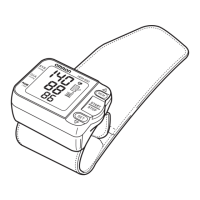
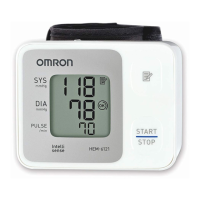
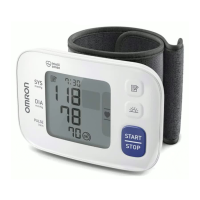
Describes the physical components of the Omron HEM-630 blood pressure monitor.

Accessories

Lists the items included with the Omron HEM-630 blood pressure monitor.

Battery Installation;Replacement

Battery Life and Replacement

Details the expected battery life and when to replace the batteries in the monitor.

Program Date and Time

How to Apply the Wrist Cuff

Measuring on the Right Wrist

Instructions on how to correctly apply the wrist cuff for measurement on the right arm.

Suggestions Before Measuring Blood Pressure

How to Take a Reading

Memory Feature

Troubleshooting

FCC Caution

Caution

Provides a warning regarding unauthorized modifications to the OMRON product.

Care and Maintenance

Limited Five Year Warranty

Specifications

Omron HEM-630 Specifications

General IconGeneral
TypeUpper arm blood pressure monitor
Measurement MethodOscillometric
DisplayLCD
Memory60 readings
Cuff SizeStandard
Irregular Heartbeat DetectionYes
Measurement Range (Pressure)0 to 299 mmHg
Measurement Range (Pulse Rate)40 to 180 bpm
Power Source4 AA batteries

Related product manuals