EasyManua.ls Logo

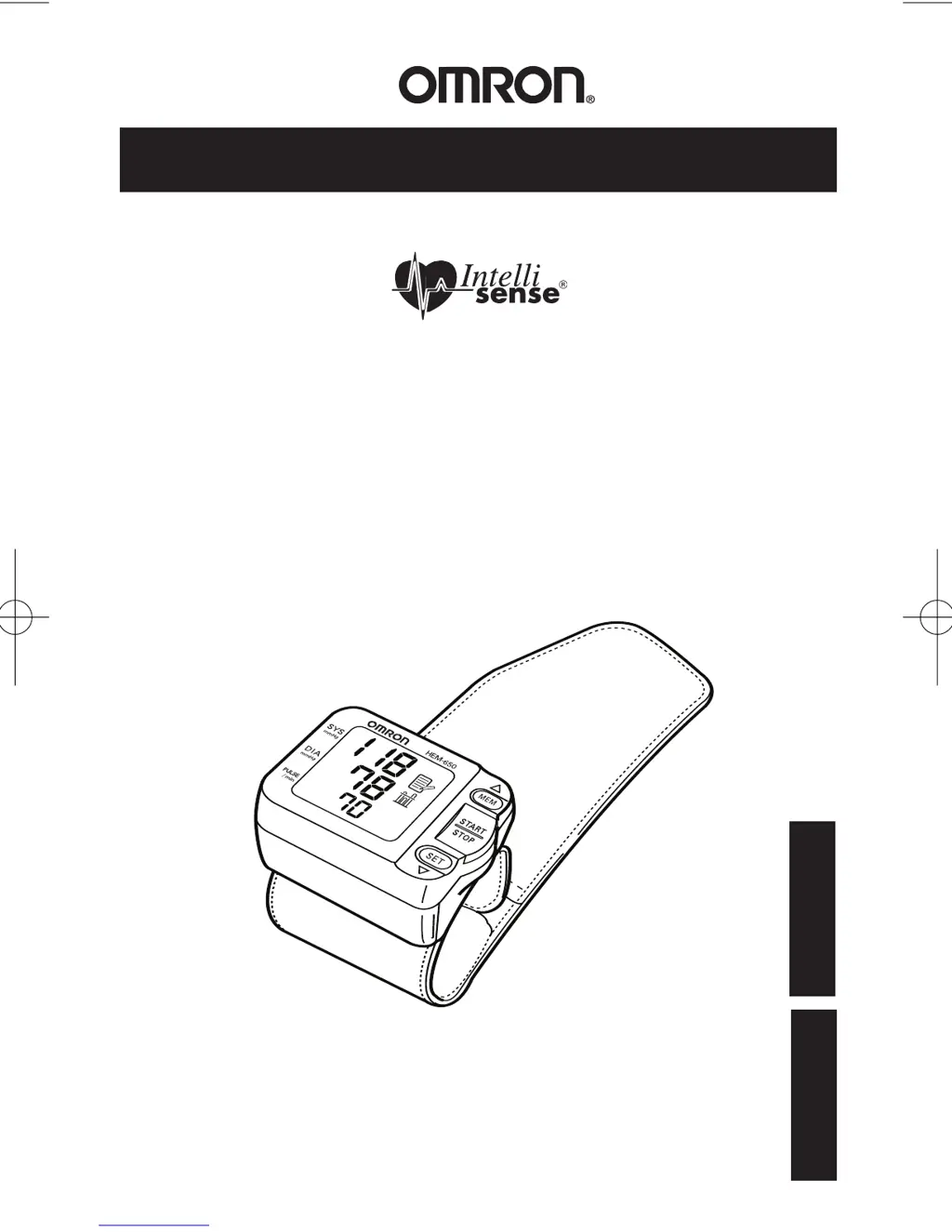
Omron IntelliSense HEM-650 - User Manual

Omron IntelliSense HEM-650
48 pages
Print Icon
To Next Page IconTo Next Page
Loading...
Instruction Manual
ESPAÑOL
ENGLISH
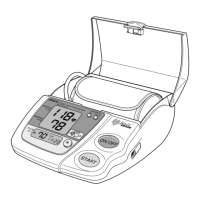
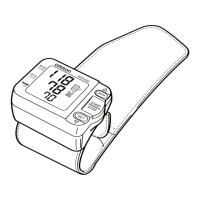
Automatic Blood Pressure Monitor
with A.P.S.®
Model HEM-650
HEM-650-IM-US-8012 12/7/05 10:22 AM Page 1

Questions and Answers

  • M
    Michele CamposJul 31, 2025
    What to do if no display appears on Omron Blood Pressure Monitor?
    • K
      kaitlyn22Jul 31, 2025
      If no display appears when you press the START/STOP button, replace the worn batteries and check that the battery polarities are placed correctly.

Summary

Introduction

Important Safety Notes

Before Taking a Measurement

Know Your Unit

Unit Display Overview

Irregular Heartbeat Symbol

Battery Installation and Replacement

Advanced Positioning Sensor (A.P.S.)

Position Sensor Alarm

Wrist Measurement Selection

Setting the Date and Time

Applying the Wrist Cuff

Applying the Cuff on the Left Wrist

Instructions for correctly wrapping the cuff on the left wrist for measurement.

Applying the Cuff on the Right Wrist

Instructions for correctly wrapping the cuff on the right wrist for measurement.

Taking a Measurement

Irregular Heartbeat Feature

Using the Memory Function

Displaying the Average Value

How to view the average blood pressure and pulse readings stored in the monitor's memory.

Displaying Measurement Values

Deleting All Stored Memory Values

Care and Maintenance

Error Indicators

Troubleshooting Tips

FCC Statement

Warranty Information

Specifications

Omron IntelliSense HEM-650 Specifications

General IconGeneral
Measurement MethodOscillometric
DisplayLCD
Memory60 readings
Measurement Range (Pressure)0 to 299 mmHg
Accuracy (Pressure)±3 mmHg
Accuracy (Pulse)±5% of reading
InflationAutomatic
DeflationAutomatic
Automatic InflationYes
Irregular Heartbeat DetectionYes
Measurement Range (Pulse)40 to 180 beats/min
Average ReadingYes

Related product manuals