51
To delete the data press the ( ) button to
select YES.
Press the SET button.
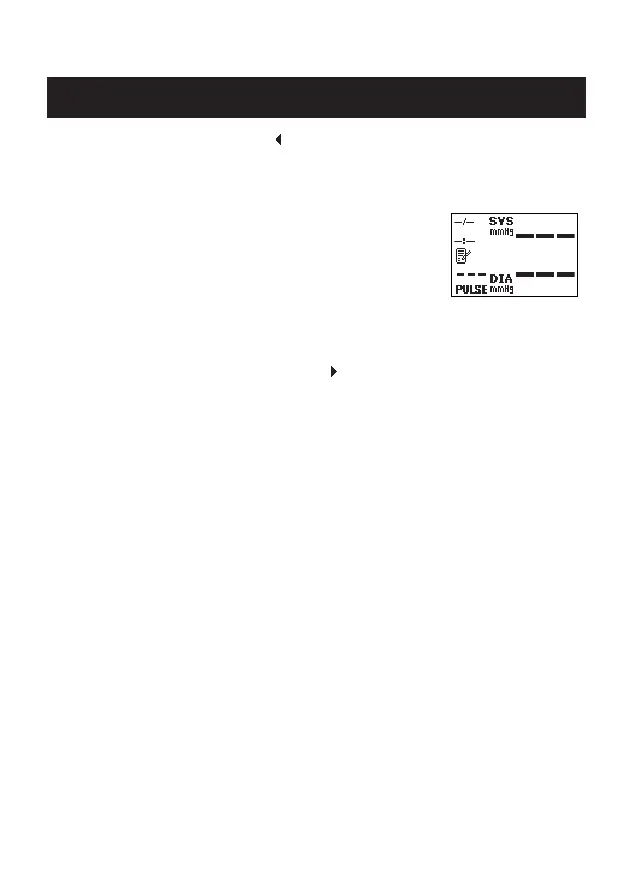
All data in the memory is deleted.
The Data Deleted blank screen displays.
NOTE: If you delete the data, the monitor will
automatically turn off.
To cancel the Delete Data press the ( ) button to select NO.
Press the SET button.
The Reset Setting Screen displays.
Press the START/STOP button to turn the power off.
USING THE MEMORY FUNCTION
Data Deleted
(Blank) Screen



 To Next Page