32
SECTION 2
Connections and Wiring
CIDRW System
User’s Manual
SECTION 2
Installation and Connections/Wiring
RS-232C Port
The method for connecting a CIDRW Controller or host device via the RS-232C port is explained here.
• Connector
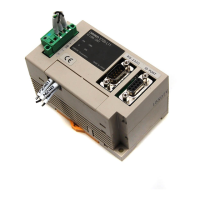
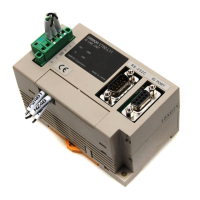
The RS-232C port of the Amplifier Unit is a D-SUB, 9-pin connector. The pin arrangement is shown
below.
Pin No. Signal name Symbol Signal direction Remarks
1 — NC — Not connected
2 Receive data RD Input
3 Send data SD Output
4 — NC — Not connected
5 Signal ground SG —
6 — NC — Not connected
7 Request send RS Output Always ON during normal operation
8 Send enable CS Input
9 — NC — Not connected
Host
To ID port
To the RS-232C port
Amplifier Unit
To the RS-232C port
To the RS-232C port
CIDRW Controller
Amplifier Unit
The connector rim has electrical continuity with the GR (frame
ground) terminal in the dedicated power supply connector.



 To Next Page