1645 Chapter 2
User manual Installing and connecting the 1645
28
2.8.1 Introducing the front panel LEDs
When all the connections are made and the 1645 is powered, the LEDs on the front panel reflect the
actual status of the device.
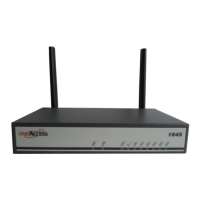
The following figure shows the front panel LED indicators of the 1645 Gb5TU:
The following figure shows the front panel LED indicators of the 1645 MGb5TU:
The following figure shows the front panel LED indicators of the 1645 2Gb6TU:
The following figure shows the front panel LED indicators of the 1645 M2Gb6TU:
The following figure shows the front panel LED indicators of the 1645 AV2 Gb5TU:
LED states
One front panel LED can reflect different status modes by the way it lights up. The front panel LEDs can
light up as follows:
LED state LED duty cycle Description
OFF 0 % The LED never lights up.
ON 100 % The LED lights up continuously.
blinking 50 % The LED is alternating 0,5 seconds ON, and 0,5 seconds OFF.


 To Next Page