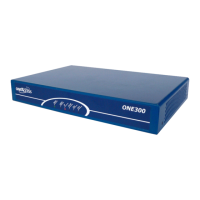
ONE80 – Installation Manual
3
How to Read this Manual
The present document is broken down into 8 chapters.
Chapter 1 – Safety Instructions
This chapter provides the safety instructions for use and installation of the router.
Chapter 2 – Router Description
This section describes the router front and rear panels and the associated technical
characteristics.
Chapter 3 – Interface Description
This section describes the router interfaces.
Chapter 4 - Installation
This chapter describes how to modify the jumper positions and gives instructions to
connect the router.
Chapter 5 – Power-up
This chapter describes the device power-up and how to monitor the self-test
progress.
Chapter 6 – Technical Characteristics
This section describes technical characteristics such as operating conditions.
Chapter 7 – Directives and Standards
This chapter details the list of standards, which the device complies with.
Appendix – Connection Description
This chapter provides the pin-out of cables that are compatible with the router.



 To Next Page