22
Pro Mode - Continued
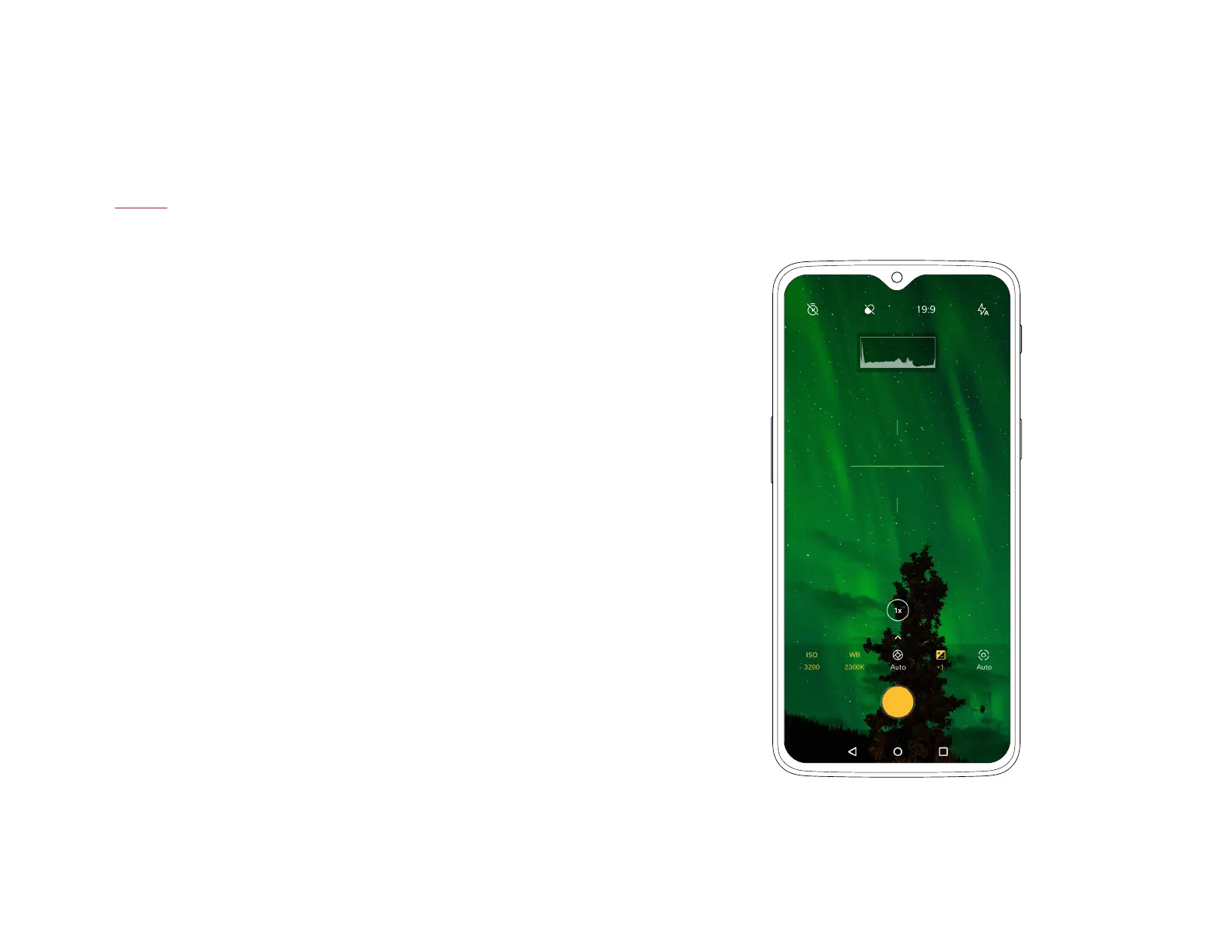
You can also use the histogram displayed in the top of your screen, which
helps you gauge the exposure level in the photo in order to properly
adjust brightness.
The OnePlus 6T uses a reference line, powered by the gyroscope, to help
you align your shots. The reference line can be found in the center of the
screen and automatically adjusts to landscape or portrait views, turning
green when the shot is perfectly aligned.
Turn on RAW in the top bar for extra editing control in post-production.
| What’s in the Box Device OxygenOS



 To Next Page