34
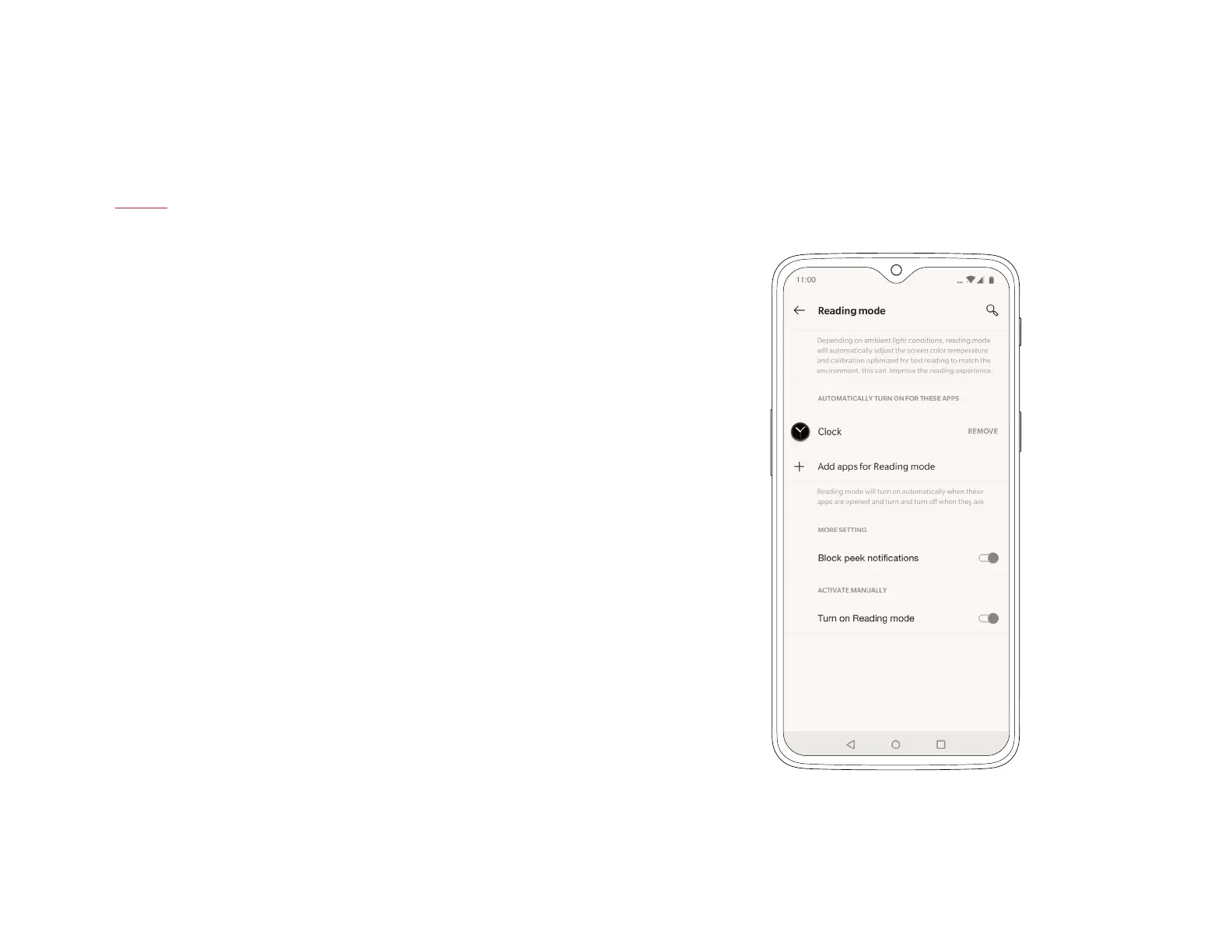
Reading Mode
Reading on your smartphone is more comfortable than ever,
thanks to Reading Mode. By ltering out blue light, gray-scale
mapping, and using ambient information to adjust the sharpness
and brightness of the display, Reading Mode simulates the
reading experience of a real book.
To access Reading Mode, go to ‘Display’ in the settings menu.
You can also set this mode to turn on automatically when you use
certain apps.
| What’s in the Box Device OxygenOS



 To Next Page