29
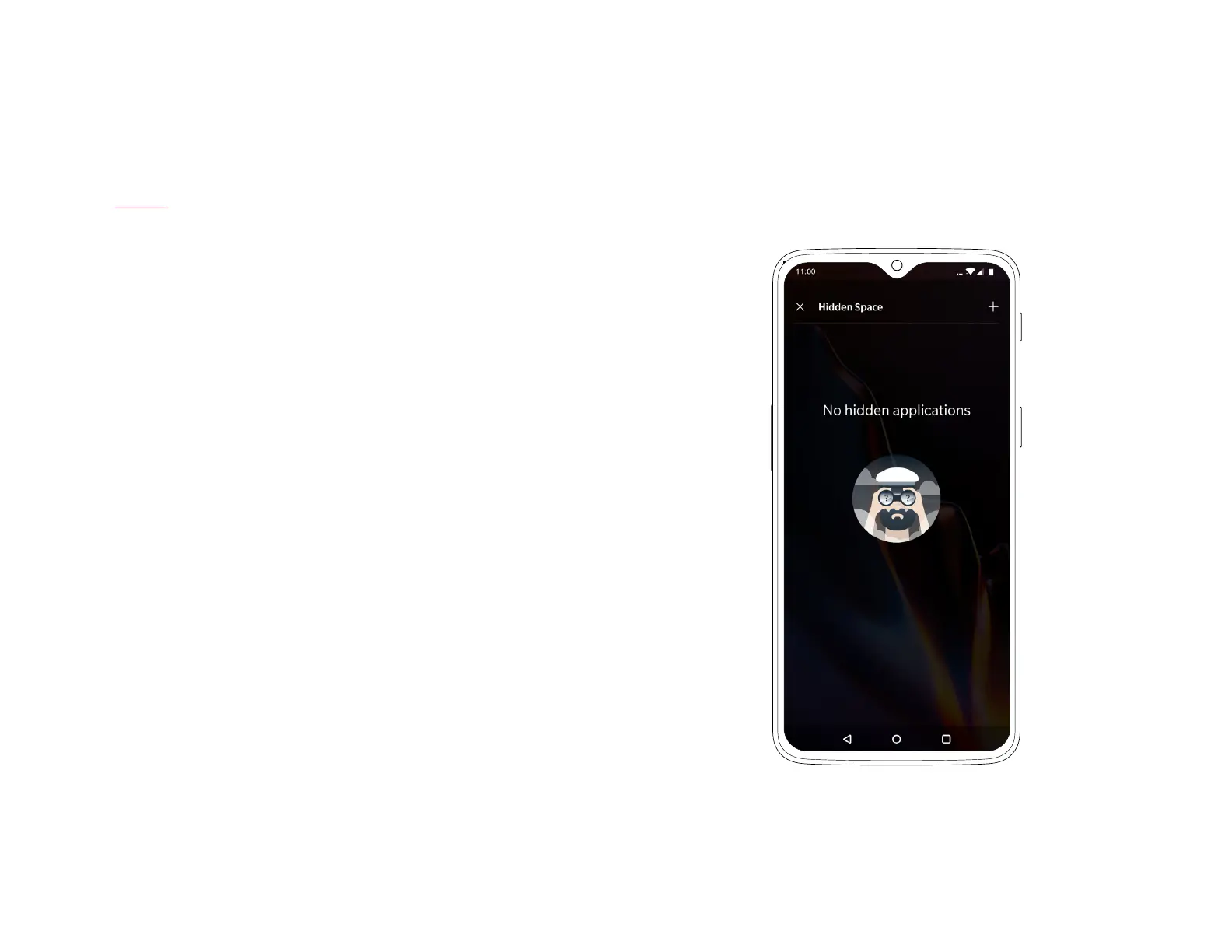
Hidden Space
The OnePlus 6T now makes sure that you have a concealed space for all
the apps you want to keep away from prying eyes.
In the App Drawer, touch, hold and drag to the right on the edge of the
screen to see the Hidden Space specically set aside for private apps or
apps you would like to hide.
| What’s in the Box Device OxygenOS



 To Next Page