10
Screen Unlock
One of the rst things you probably do with your new
phone is set up your ngerprint during Setup Wizard.
If you haven’t done this yet, go to Settings, Security &
lock then Fingerprint.
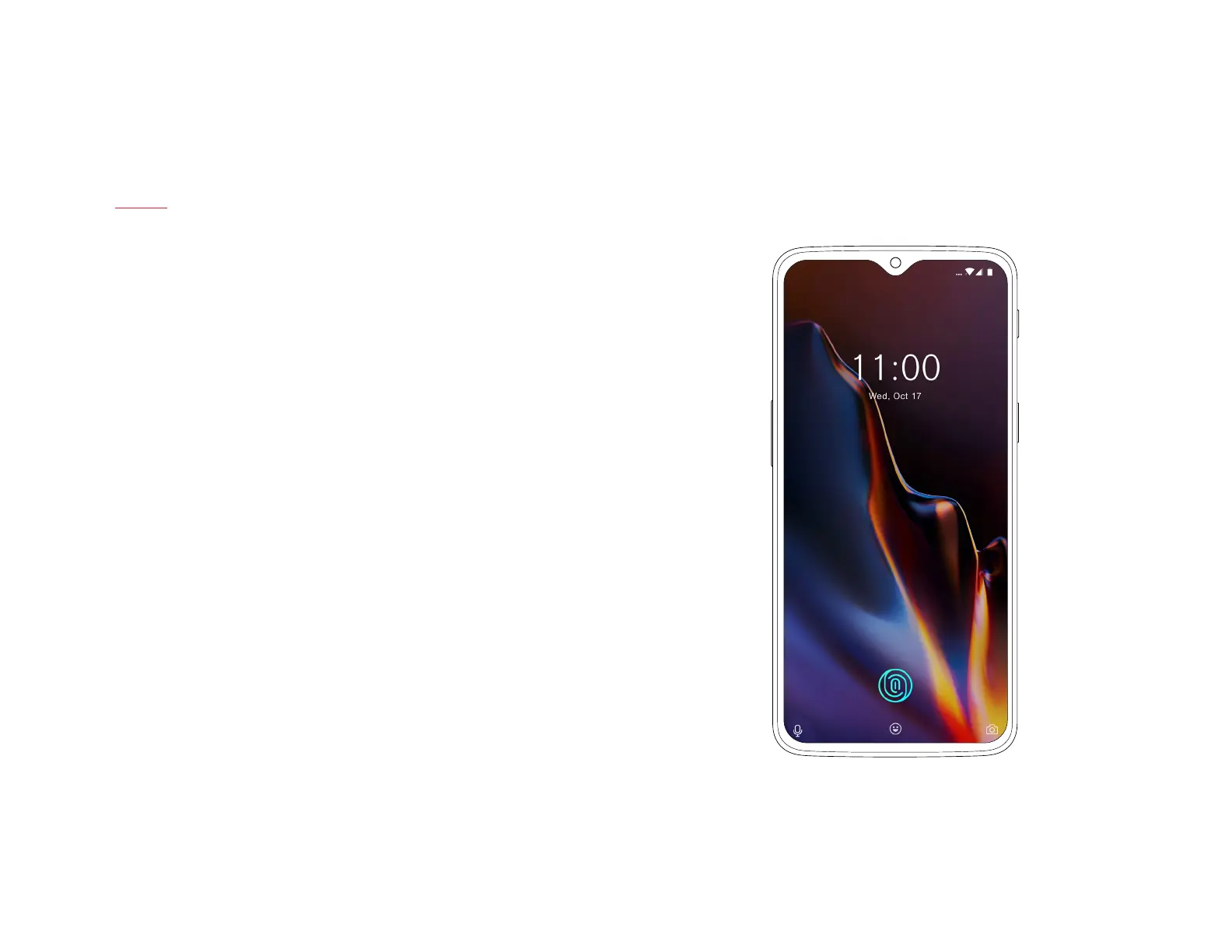
Hidden under the display, you will nd our new in-display
ngerprint sensor. As soon as you touch the display, the
OnePlus 6T unlocks, ensuring you have a seamless and
intuitive unlock experience. Screen Unlock is swift and
simple and safe.
| What’s in the Box Device OxygenOS



 To Next Page