9
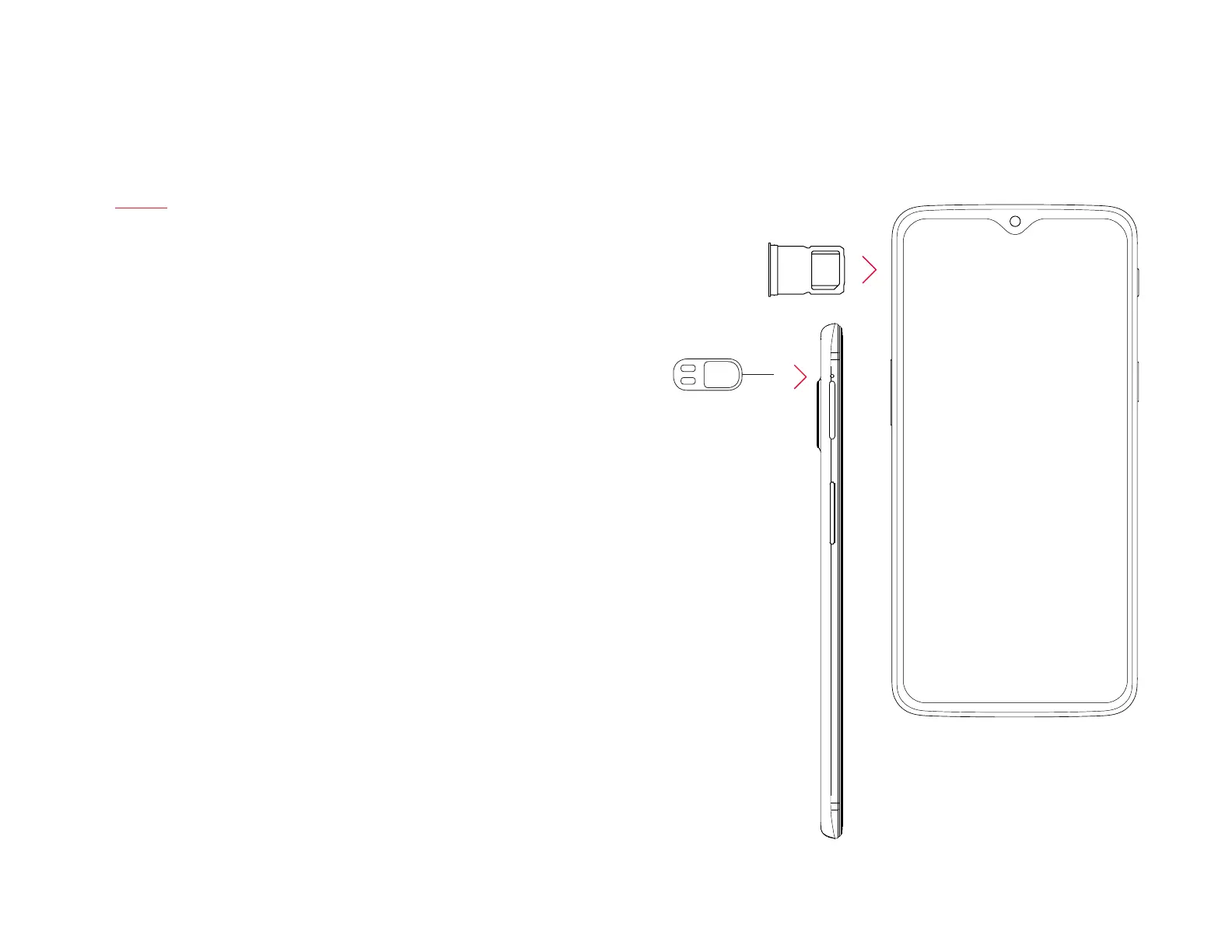
Insert SIM Card - SIM Card Tray
This device supports only Nano SIM cards, it is recommended to use
the device with the correct type of SIM card.
Under Settings, go to SIM & Network settings to adjust your SIM
carrier permission and restrictions.
Use the SIM Tray Ejector (found in the box) to remove the SIM tray
from the device.
| What’s in the Box Device OxygenOS



 To Next Page