24
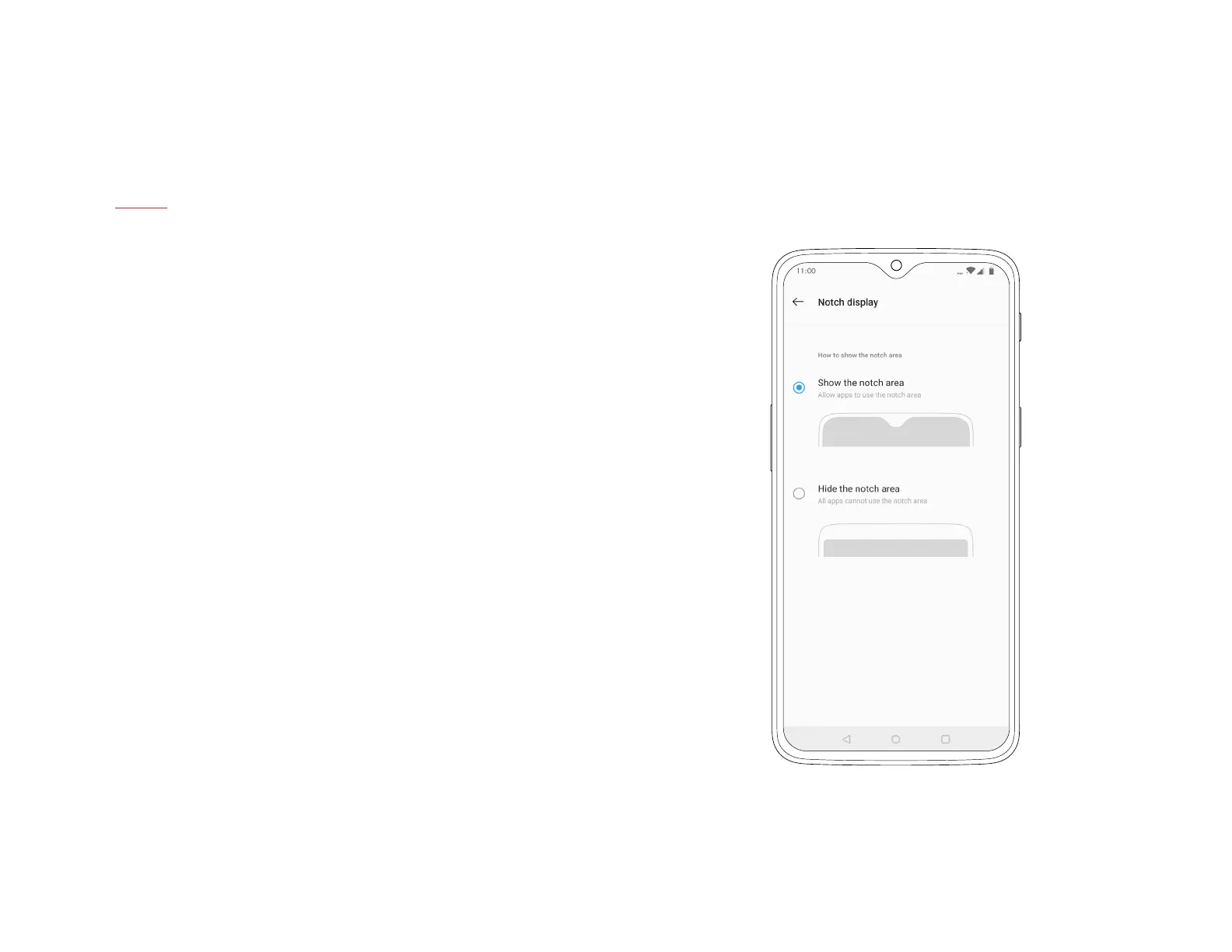
Notch display
By default, the OnePlus 6T makes full use of the entire screen.
If you would prefer to obscure the top bar of the screen, you can
turn on Notch display in the settings menu, then tap Display.
Doing so creates a permanent black bar around the screen cutout
at the top of the display. This black bar is then used only to display
essential functions such as the clock and notication symbols.
| What’s in the Box Device OxygenOS



 To Next Page