D x 8
A x 6
ASSEMBLY INSTRUCTIONS
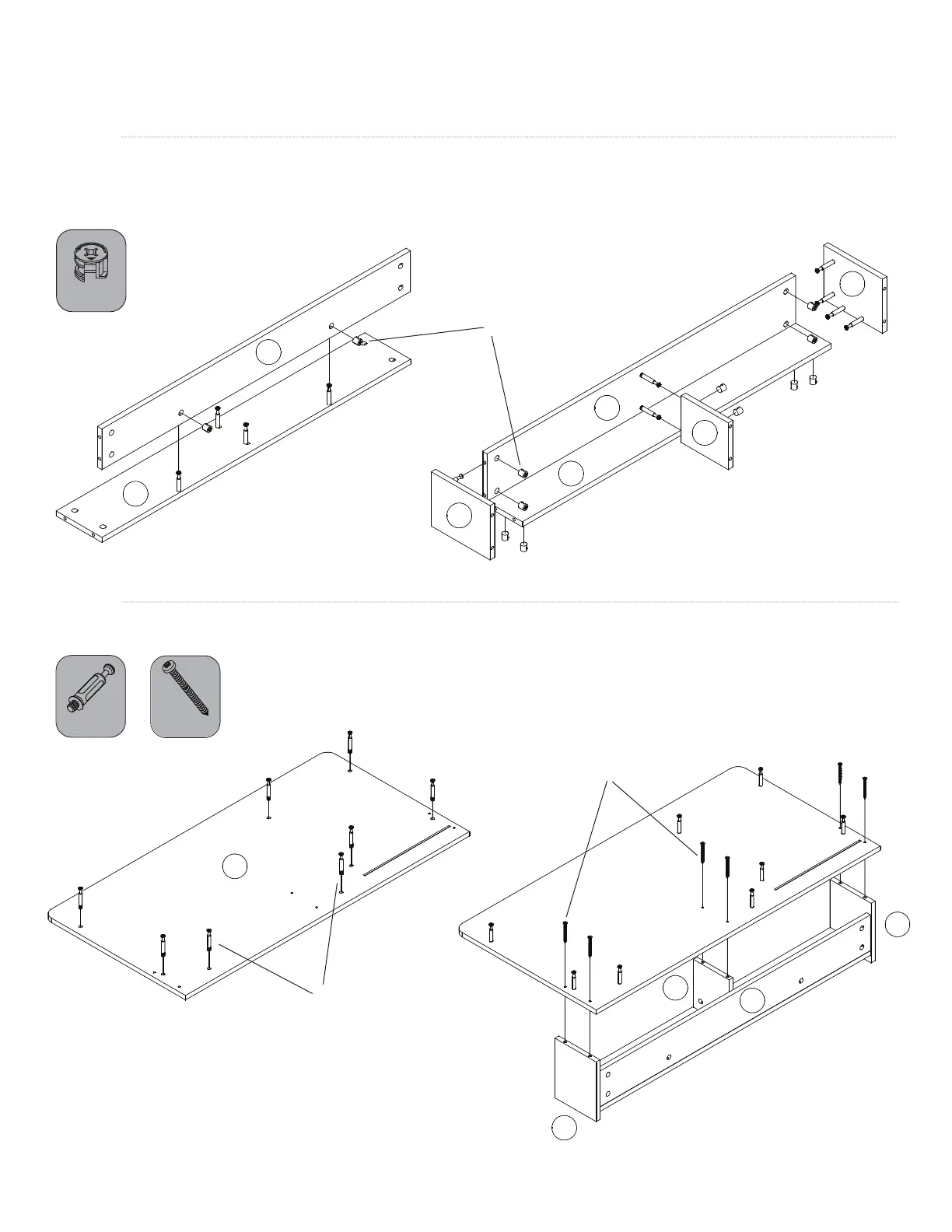
STEP 8
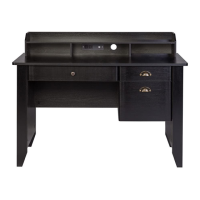
Insert two cams into the hutch back board (16) and attach to the hutch top board (17). Insert ten cams into the
hutch back (16), hutch top (17), and hutch middle board (20). Attach hutch left (18), hutch middle (20), and
hutch right (19) to the back and top boards.
STEP 9
Screw eight minix bolts (D) into desktop (1). Attach hutch to desktop using six screws (A) as shown.
16
17
18
16
20
17
19
20
18
19
16
1
11 of 16
E x 12
E
D
A



 To Next Page