Fine Tune
If the picture after CHANNEL SEARCH is not clear, use the 'FINE TUNE' function (Fig 4.1)
• Press 5/6key to select 'FINE TUNE'
• Press 3/4key to fine tune the TV station, so that the best image is displayed on screen. On
doing so AFT will switch to OFF.
Auto Fine Tune (AFT)
When this option is set to ON, the set constantly fine tunes the channel to try and keep a steady
picture and sound even when the signal has weakened or is disturbed.
Password
This option is used to change the password
• Press 5/6key to select PASSWORD.
• Enter the current password.
• Enter the new password.
• Press ‘Menu’ key.
The new password will be effective.
• Master password is 5963
6
10. FEATURES ON REMOTE
COLOUR TONE
Keep pressing this key to set the colour tone to NORMAL, COOL or WARM according to your
preference. The tone changes from pink to blue; at Normal, it is restored to normal.
ZOOM
Press ZOOM key to set the picture to ZOOM, WIDE or NORMAL. The picture stretches
vertically in the ZOOM mode. This feature is helpful in viewing the picture closely, especially
when it is in cinemascope format.
Note : In the zoom mode, the picture may get cut at the top and at the bottom.
STANDBY/POWER
When the set is in STANDBY mode, you may press the STANDBY/POWER key to put it on.
To have it work the other way round and put the set back into the standby mode, press the
STANDBY/POWER key once again.
VIDEO STATUS MEMORY (PICTURE MODE)
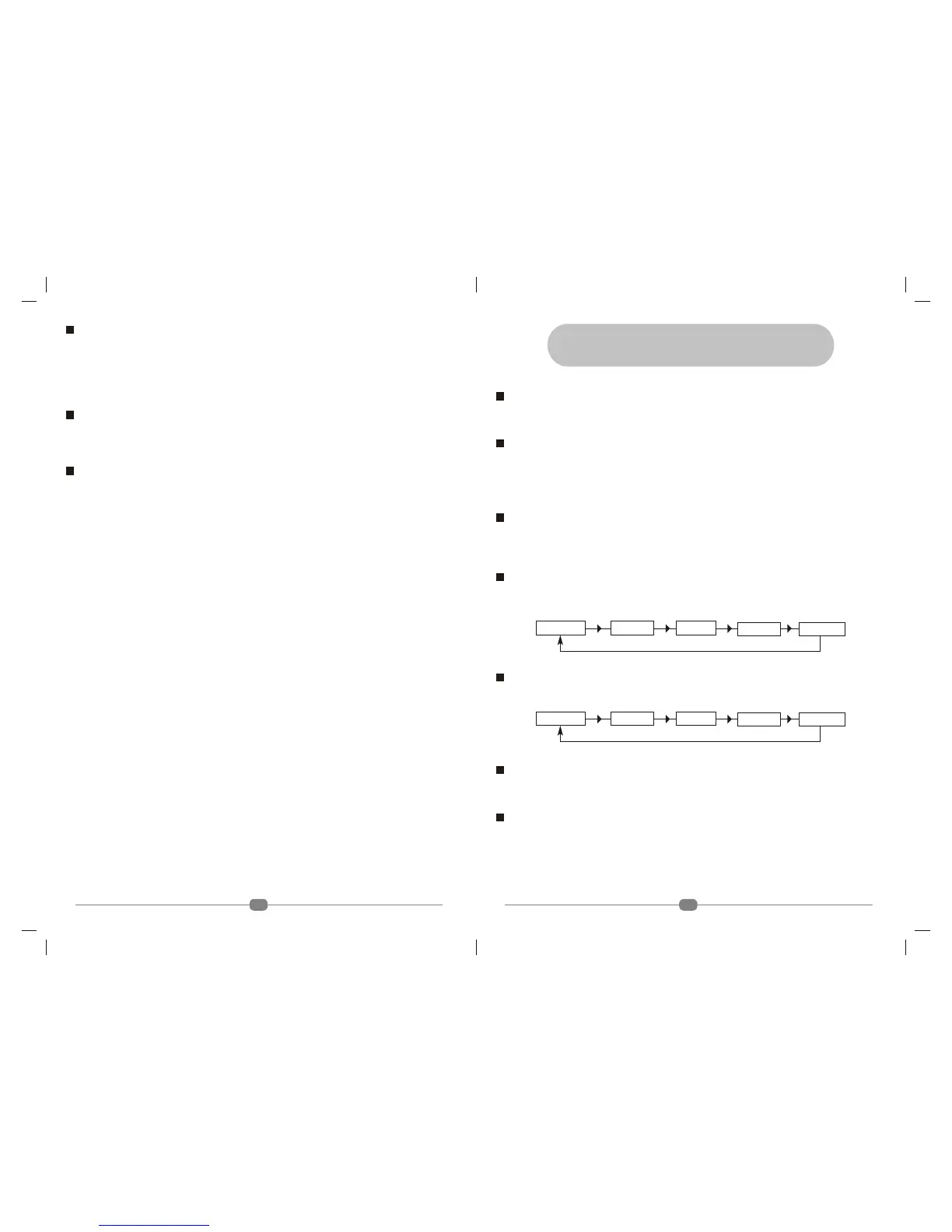
You can select one of the five picture adjustment modes by repeatedly pressing VSM key on the
remote control. (Fig 10.1)
SSM (Sound mode)
You can select five types sound adjustments by pressing SSM key.
CHANNEL SCAN
Press the CH. SCAN key to automatically surf all the stored channels in a numerical order. Press
the key again at the channel you want to view; the scanning stops.
TV/AV
Press TV/AV key to switch between television channels and Video mode.
Note: In Video mode, user can access TV channels by pressing NUMERIC Keys. However
CHANNEL +/- keys on the remote control and CHANNEL 5/6keys on TV front panel are
not operational in Video mode.
Fig 10.1: Sequence for VSM
THEATRE
SPORTS
PERSONAL NEWS MUSIC
Fig 10.1: Sequence for SSM
THEATRE
SPORTS
PERSONAL NEWS MUSIC
15



 To Next Page