14
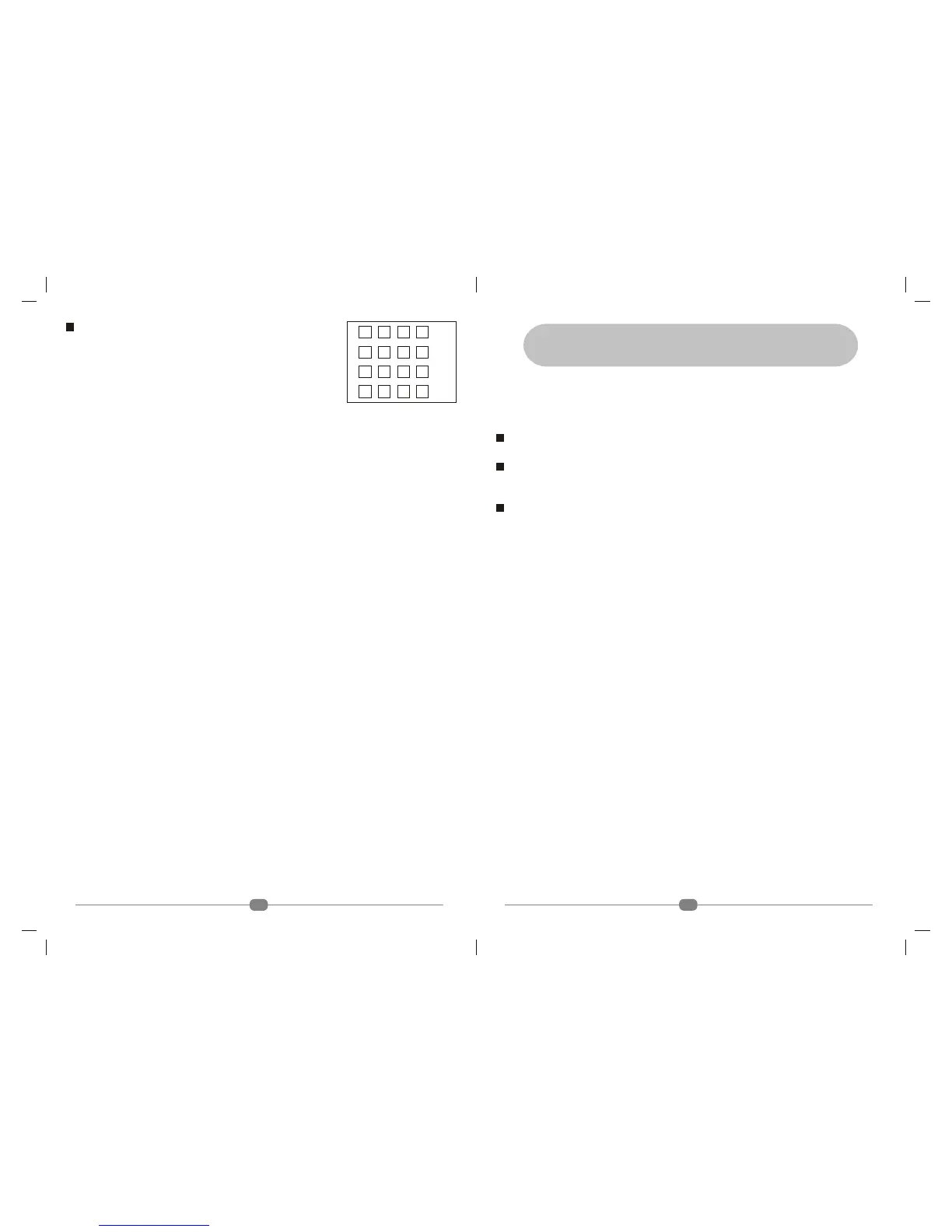
GAME (Fig. 9.3)
Your TV comes with one inbuilt Game.
1. PAIR
• Press Menu key
• Press4key 3 times
• Press 6to come to Game
• Press4 play pair game
PAIR
In this game the player has to identify locations of pairs. Player is allowed to open two cards at a
time. If they form a pair, the player gets points. If they do not, both the cards are closed. Player
needs to remember the positions of cards which he has opened but which did not form a pair.
The less the number of chances the user takes to identify all pairs, the more points he gets. When
the player identifies all pairs, he moves up to the next level.
• Press Menu key to open the card
• Press 3/4and 5/6key to select a particular card
• Press DISP key to end the game.
PANEL LOCK
Press menu key, then press 6three times to go to features, press 6key 7 times to go to panel
lock. Press 3/4key to make panel lock on / off. When Panel Lock is on front panel keys are not
active/disable.
LANGUAGE
Press menu key, then press 6three times to go to features, press 6key 8 times to go to language.
Press 3/4key to select language of OSD to English/Arabic/Persian/Russian.
Fig. 9.3
Level
Score
5. VIEWING A TELEVISION PROGRAM
1. USING THE REMOTE CONTROL
Press POWER to turn your TV ON. You can select a channel by either CHANNEL + / _ keys or
Direct selection.
Channel + / _ selection
Press CHANNEL + / _ key on your remote control to change channels.
Direct Selection
You can select a particular channel number (from 001 to 250) by pressing the numbers on the
remote.
Volume Control
• Press VOLUME +/- keys to adjust the sound
2. USING THE FRONT PANEL BUTTONS ON THE TV
Refer to Pg. 4.
• Press CHANNEL 5/6 to select a channel
• Press VOLUME + / - to increase/decrease the sound level
• If your TV is in stand-by mode, press CHANNEL5/6to turn your TV on.
3. VIEWING IMAGE FROM AN EXTERNAL DEVICE
You can view images from VCR’s or other external devices connected to your TV. Refer to Fig
2.1, Pg. 3, for external devices connections.
• Press TV/AV key on the remote control unit to select the video mode. ‘AV’ mode should be
selected for watching VCR/VCP/VCD/DVD player. To select ‘AV’ mode using the front
control buttons on the TV repeat the following steps.
• Press the ‘MENU’ key on the front control panel.
• Select 'INPUT' by using CHANNEL 5/6 and change viewing modes by using VOLUME
+ / - keys.
7



 To Next Page