BAL
SE
IN
P
UT
D
A
C H
ead
p
h
o
ne A
m
p
l
ifier XP1 0
C
O
A
XIA
L
LO
C
AL/
BT
DA
P
U
S
B D
A
C
O
P
T
ICA
L
AUX
/
COAXIAL
XLR - R RCAXLR - L
AUX
USB DAC
OPTICAL
ANALOG IN
DIGITAL
OUT
DIGITAL
IN
ANALOG OUT POWER
DC IN
12-24V
L
R
L
R
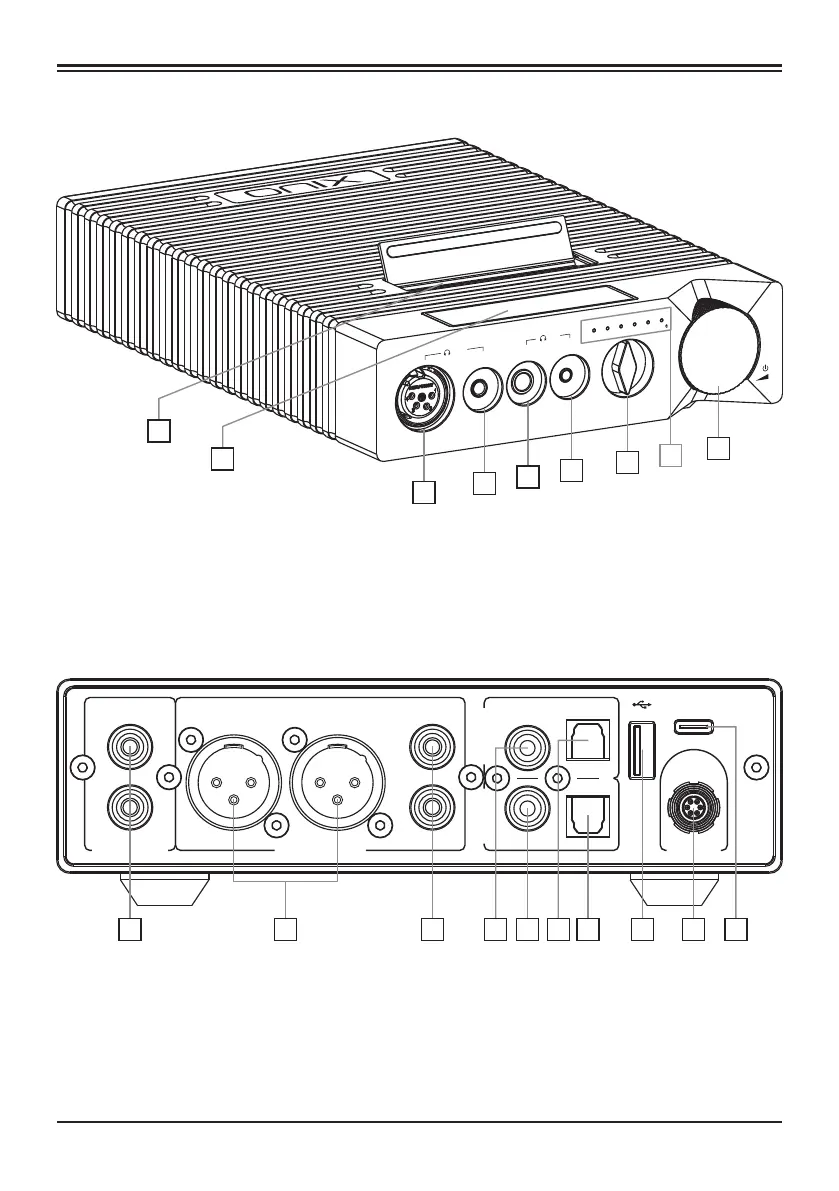
Names of Parts
9
2
3
4
5
6
7
9
8
1 2 53 4 76 8 9 10
1. Player Port
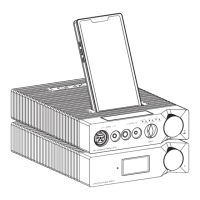
(When connecting XM10, switch Input to "DAP Mode")
2. Touchscreen
3. XLR balanced headphone output
4. 4.4mm balanced headphone output
5. 6.35mm single-ended headphone output
6. 3.5mm single-ended headphone output
7. Source input selection knob
8. Input/sampling rate/standby indicator
9. Power Button/Volume Wheel/Lock Screen
1. AUX analog input
2. XLR analog balanced output
3. RCA analog output
4. Digital coaxial input
5. Digital coaxial output
6. Digital optical input
7. Digital optical output
8. USB port for External Drives
9. DC power input
10. USB DAC input
XP10 DAC Headphone Amplifier
1


 To Next Page