20
Wired connection (Ethernet cable)
4
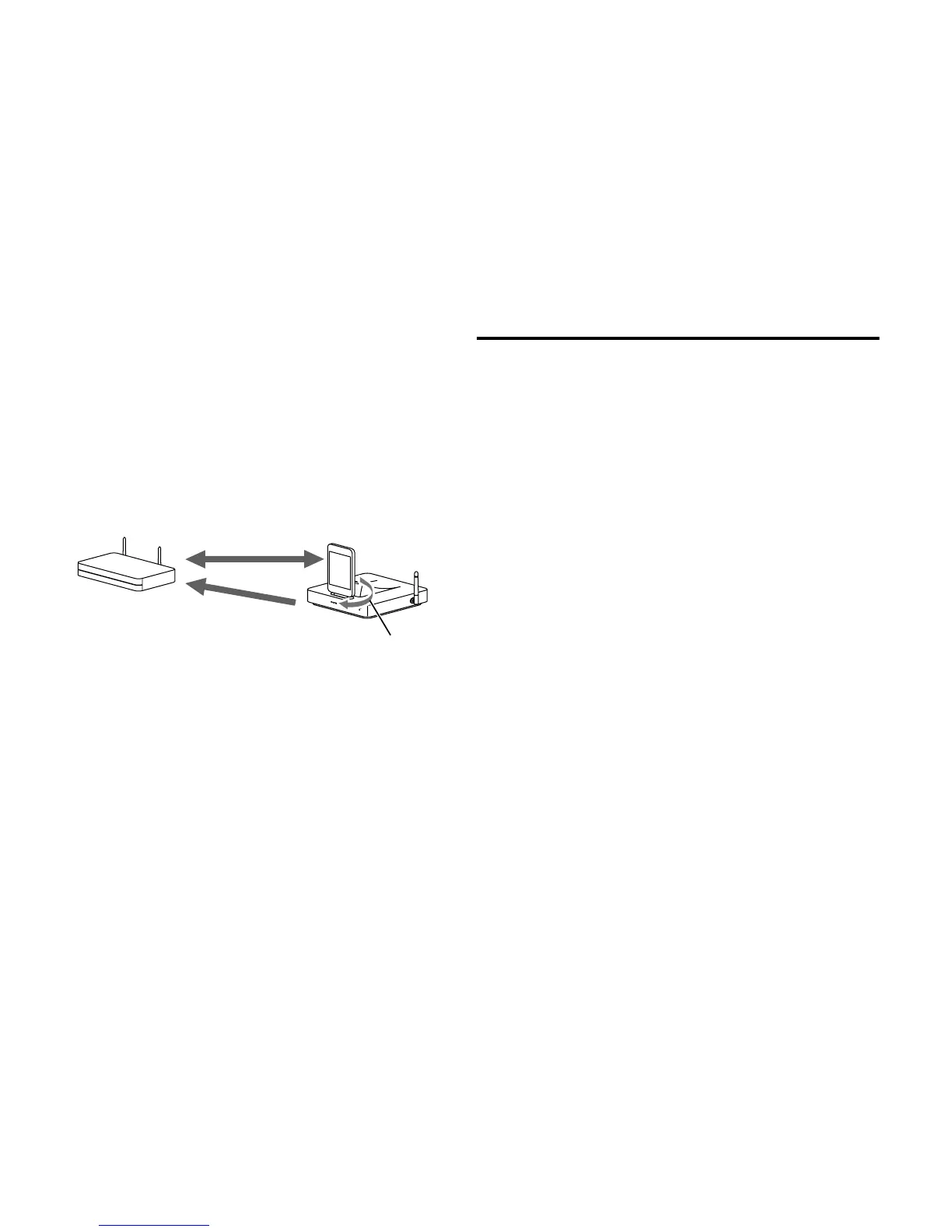
Press the Accept button after a confirmation
screen appears on your iOS device.
LED blinks in blue.
Wireless settings of the DS-A5 are set to the same
as that of iOS device. This allows connecting to
the same access point.
LED lights up in blue once the connection
completes.
Connected
Co
n
ne
c
t
Wi-Fi router
Wireless settings
1
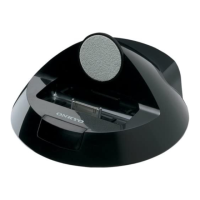
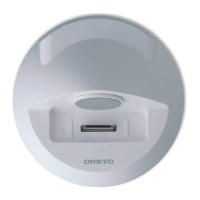
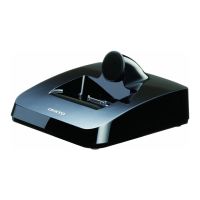
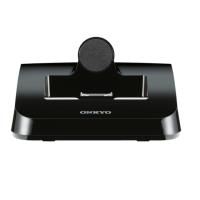
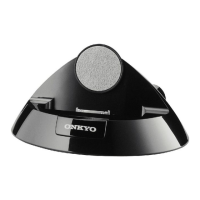
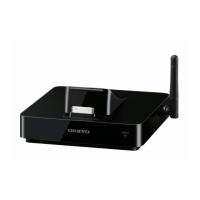
Connect the DS-A5 to your router with an
Ethernet cable.
2
Set the DS-A5 power to on.


 To Next Page
 Loading...