19
Follow either of the procedures below to perform
your network connection.
Wireless connection
■ Using Wi-Fi Network Login Sharing
Note
• To use this function, iOS version 5 or greater is
required on the following devices.
– iPod touch (3rd and 4th generation)
– iPhone 4S, iPhone 4, iPhone 3GS
– iPad (3rd generation), iPad 2, iPad
Network Setup
1
Confirm that LED lights up in green.
LED lighting in blue indicates that connection to
network has been completed.
Note
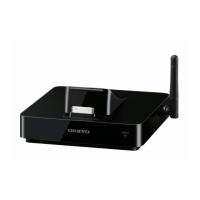
• If Ethernet cable is being connected to the
DS-A5, pull the Ethernet cable out after turning
the power of DS-A5 off, and turn the power on
again and make the settings.
2
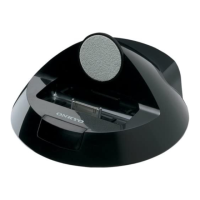
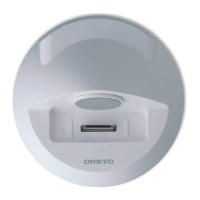
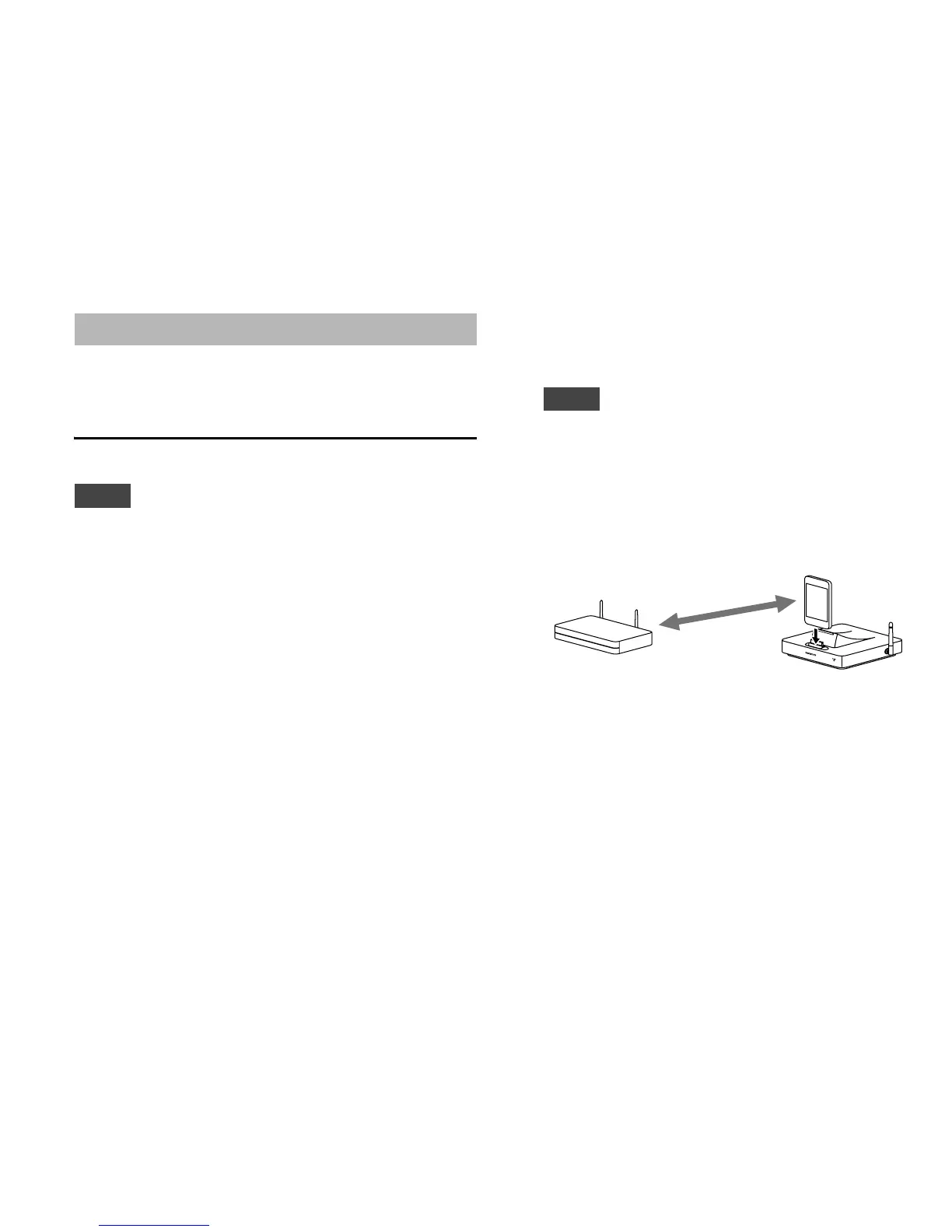
Connect the iOS device connected to Wi-Fi
router (wireless access point) to the DS-A5.
3
Press the ENTER button on the remote
controller for five seconds.
Co
n
n
e
c
t
e
d
Wi-Fi router


 To Next Page
 Loading...