24
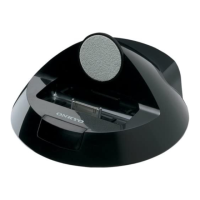
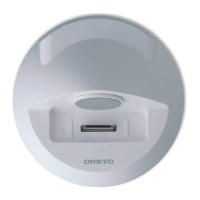
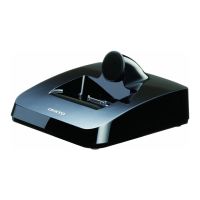
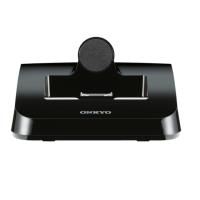
You can use the following systems by connecting the
DS-A5 and Onkyo amp or AV receiver equipped with
u jack by an u cable and an analog audio cable.
■ System On
When you turn on your amp or AV receiver, the DS-A5
turns on automatically.
■ System Off
When you turn off your amp or AV receiver, the DS-A5
automatically go on standby.
■ Auto Power On
If you press the remote controller’s r/3 button
while your amp or AV receiver is on standby, your
amp or AV receiver will turn on automatically, select
your iPod/iPhone/iPad as the input source, and your
iPod/iPhone/iPad will start playback.
■ Direct Change
If you start iPod/iPhone/iPad playback while listening
to another input source, your amp or AV receiver will
automatically switch to the input to which the DS-A5
is connected.
Note
• If you use your iPod/iPhone/iPad with any other
accessories, iPod/iPhone/iPad playback detection
may not work.
System Functions
Depending on your iPod/iPhone/iPad model and
generation, some of the linked operations may not
be available.


 To Next Page
 Loading...