EasyManua.ls Logo

Onkyo FR-V77 - User Manual

Onkyo FR-V77
60 pages
Print Icon
To Next Page IconTo Next Page
Loading...
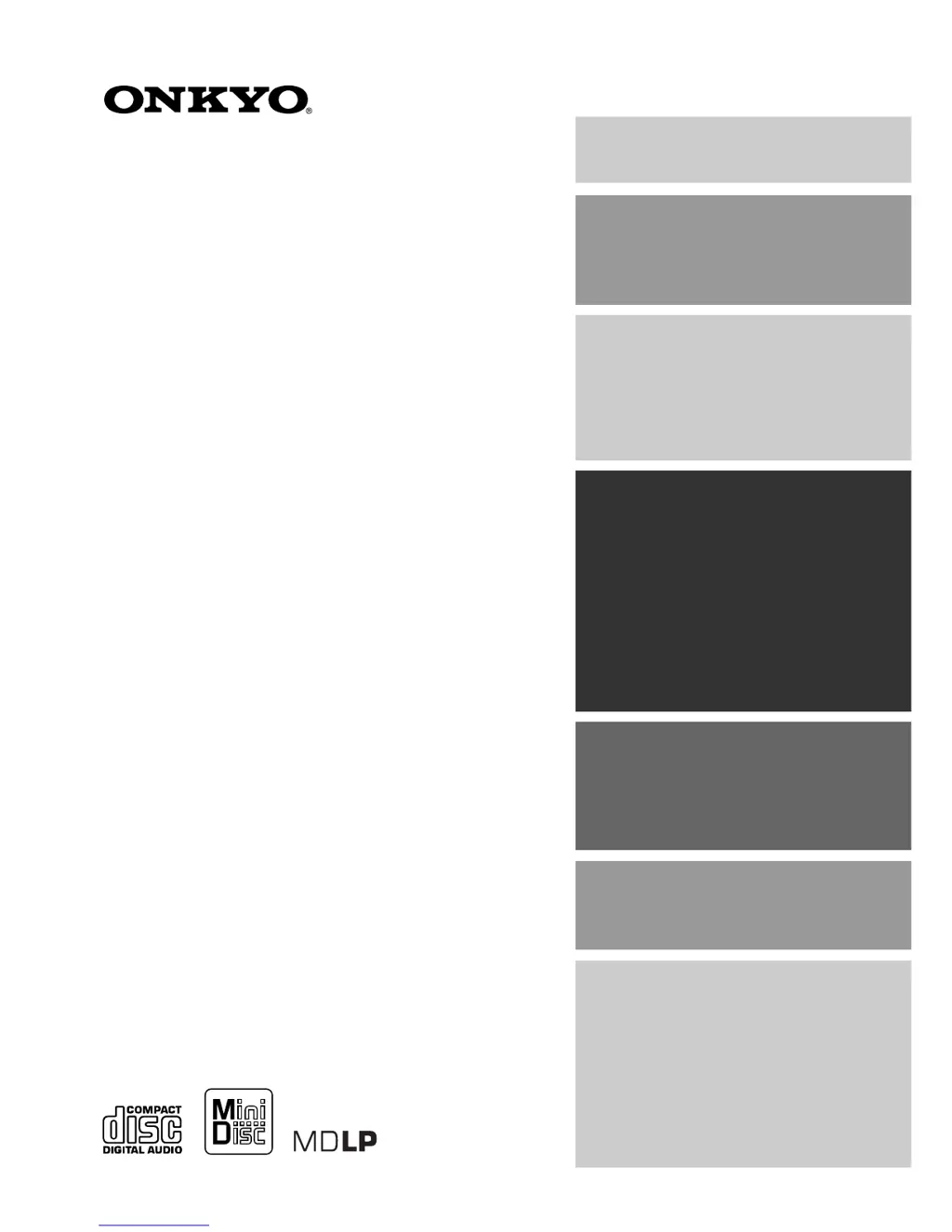
CD/MD TUNER AMPLIFIER
FR-V77
Instruction Manual
Thank you for purchasing the Onkyo CD/MD TUNER
AMPLIFIER.
Please read this manual thoroughly before making
connections and turning on the power.
Following the instructions in this manual will enable
you to obtain optimum performance and listening
enjoyment from your new CD/MD TUNER
AMPLIFIER.
Please retain this manual for future reference.
Contents
Connecting
Preparations
Basic Operation
Advanced Operation
Additional Operation
Others
Before Using

Questions and Answers

  • L
    leonandreaAug 19, 2025
    What to do if there is no sound from my Onkyo FR-V77 speakers?
    • J
      Jeffrey CollinsAug 19, 2025
      If no sound is coming from the left or right speaker of your Onkyo Media Player, there might be several reasons: * The speaker wire may be touching other jacks, connectors, or metal parts; check the speaker connections. * The volume level might be set too low; adjust the volume. * The sound could be muted; press MUTING on the remote control. * Headphones might be connected; disconnect them after turning down the volume. * The audio cables may not be firmly inserted; check the connections and ensure they are secure.
  • M
    mcareyAug 21, 2025
    How to fix an Onkyo FR-V77 that does not turn on?
    • C
      chelseawallaceAug 21, 2025
      If your Onkyo Media Player does not turn on, the AC power cord (mains lead) may not be fully inserted into the wall outlet. Ensure the AC power cord (mains lead) plug is securely inserted into the wall outlet.
  • B
    Brian HarrisAug 23, 2025
    Why is my Onkyo Media Player remote control not working?
    • J
      Jacqueline JenningsAug 25, 2025
      If the remote control for your Onkyo Media Player isn't working, it could be due to a few reasons: * The batteries might be dead; replace them with new ones. * You may be too far from the unit or outside the sensor's detection angle; check the effective range and angle of the remote control. * There might be an obstruction between the remote and the unit; try removing any obstacles or operating from a different angle.
  • J
    John BarnesAug 26, 2025
    What to do if my Onkyo Media Player won't play the disc?
    • B
      Bryan MillerAug 26, 2025
      If a disc is loaded in your Onkyo Media Player but playback won't start, consider these possibilities: * The disc may be inserted upside down; ensure the label side faces upward (CD). * The disc might be extremely dirty; clean the disc (CD). * The disc could be dirty or damaged, indicated by a 'Disc Error' message (MD); replace the disc. * The inserted disc may not be recorded (MD); use a recorded disc instead. * Moisture might have formed inside the unit; remove the disc and let the unit sit for several hours to allow the moisture to evaporate.
  • A
    Alexandra SchmidtAug 30, 2025
    Why is there noise coming from my Onkyo FR-V77 Media Player?
    • A
      Anthony KimAug 30, 2025
      If you are hearing noise from your Onkyo Media Player, strong magnetism from a television or similar device might be interfering with its operation. Try turning off any nearby televisions or similar devices, or move them away from the unit.
  • T
    tbishopSep 1, 2025
    Why does my Onkyo FR-V77 disc keep skipping?
    • M
      melanie29Sep 1, 2025
      If the disc skips while playing on your Onkyo Media Player, it may be due to the following reasons: * Vibrations are being transmitted to the unit; place the unit in a vibration-free location. * The disc is severely scratched; replace it with a new one. * The disc is extremely dirty; clean the disc.
  • M
    Melissa MeyersSep 4, 2025
    Why is the search time so long on my Onkyo FR-V77 Media Player?
    • O
      ogarnerSep 4, 2025
      If the search time is extremely long on your Onkyo Media Player, it could be because the disc is dirty or scratched. Try cleaning the disc, and if that doesn't work, replace it with a new one.
  • L
    Lisa VegaSep 6, 2025
    Why didn't the timer on my Onkyo Media Player work?
    • A
      Andrea WatsonSep 6, 2025
      If the timer on your Onkyo Media Player did not operate, it could be because: * The unit was on when the start time arrived; the timer only works when the unit is off. * The timer setting overlapped with another timer; set the timer to a different time.
  • C
    clarkmistySep 8, 2025
    Why can't I store track numbers on my Onkyo Media Player?
    • S
      Sarah MaxwellSep 8, 2025
      If you're unable to store track numbers when setting MEMORY playback on your Onkyo Media Player, it might be because no disc is inserted, or you are trying to input a track number that is not on the disc. Make sure a disc is inserted and that you only input track numbers that are actually on the disc.
  • S
    Sean Collins Jr.Sep 12, 2025
    Why can't I enter disc or track names on my Onkyo Media Player?
    • E
      Elizabeth WallaceSep 12, 2025
      If you can't enter the disc name or track name on your Onkyo Media Player, it might be because the disc is record-protected (indicated by 'Protected') or a playback-only disc is inserted (indicated by 'Cannot Rec'). Close the record-protect window on the disc or replace the disc with a recordable one.

Summary

Important Safeguards

General Safety Warnings

Essential safety instructions to prevent fire, electric shock, and ensure proper operation.

Precautions and Safety

Handling and Usage Precautions

Guidelines for safe operation, placement, and cleaning of the unit.

Laser Safety Information

Critical safety warnings regarding exposure to the laser product.

Connecting Components

Antenna and Speaker Connections

Instructions for connecting antennas and speakers, including different types.

Audio;Video Equipment Connection

Connecting Various Audio;Video Sources

How to connect digital, analog, and remote-controlled devices like DVD players and cassette decks.

Basic Unit Operations

Powering On;Off and Volume Control

Basic steps to turn the unit on/off and adjust the volume.

Radio Presetting

Automatic FM Station Presetting

How to automatically store FM radio stations for quick access.

Manual Radio Station Programming

Preset Write Function Guide

Instructions for manually saving AM/FM stations to memory channels.

CD Playback

MD Playback

Basic Playback and Track Selection

How to play MDs and select specific tracks.

Listening to Radio

Tuning Preset FM;AM Stations

How to select preset FM/AM radio channels.

CD to MD Dubbing

Preparing for CD to MD Dubbing

Steps to prepare CD and MD for digital recording, including mode selection.

CD to MD Dubbing Modes

Selecting Dubbing Modes and Starting Operation

How to choose dubbing modes and start the recording process.

Troubleshooting Dubbing Errors

Solutions for common dubbing errors like "Cannot Rec" or "Disc Full".

CD to MD Dubbing Details

Completing Dubbing and Handling Results

Procedures after dubbing, including TOC writing and checking results.

Double Speed CD to MD Dubbing

Performing Double Speed Dubbing

Steps for copying CDs to MDs at double speed, including tips and notes.

Track-Specific CD to MD Dubbing

Recording Selected Songs from CD

How to record specific songs from a CD to an MD during playback.

Synchro Recording CD to MD

Setting Up Synchro Recording

Steps to set up synchro recording for CDs to MDs, including signal selection.

Recording Standby and Level Sync

Setting recording standby mode and managing the Level Sync function.

Synchro Recording Adjustments

Recording Level Adjustment

Detailed steps for adjusting the recording input level for digital and analog sources.

Recording FM;AM Broadcasts to MD

Setting Up Radio to MD Recording

Steps to prepare for recording FM/AM radio programs onto an MD.

Level Sync for Song Numbering

Recording External Device Audio to MD

Connecting and Recording External Sources

Guide to connecting external devices and recording their audio to an MD.

Synchro Recording Methods

Naming CDs, MDs, and Tracks

MD Track Management

Timer Functions

Setting Timers

Digital Recording Rules

Serial Copy Management System (SCMS)

Explains how SCMS affects digital copying between MDs.

Troubleshooting Guide

Troubleshooting Unit and Audio Issues

Solutions for problems related to power, audio output, and disc playback.

Troubleshooting Tuner, Timer, and Remote Control

Resolving Noise, Timer, and Remote Issues

Troubleshooting tips for tuner noise, timer malfunctions, and remote control problems.

Specifications

General, Amplifier, and Tuner Specifications

Technical details including power, dimensions, and performance specs for amplifier and tuner.

MD Recorder and CD Player Specifications

Technical details for MD recorder and CD player, including frequency response and S/N ratios.

Onkyo FR-V77 Specifications

Power IconPower
power supplyAC 220-230 V, 50/60 Hz
power consumption63 W (220-230 V, 50/60 Hz)
power consumption (standby)7 W
power consumption (energy save)1.5 W
Amplifier Specifications IconAmplifier Specifications
power output2 × 26 W at 4 Ω EIAJ
total harmonic distortion0.4 % at rated power
damping factor25 at 8 Ω
CD Player IconCD Player
frequency response10 Hz to 20 kHz (± 3 dB)
wow and flutterBelow threshold of measurability
signal readout systemOptical non-contact
MD Recorder IconMD Recorder
recording time320 minutes maximum (at LP4 mode)
frequency response10 Hz to 20 kHz (± 3 dB)
signal readout systemOptical non-contact
Tuner Specifications IconTuner Specifications
tuning rangeFM: 87.50 to 108.00 MHz
usable sensitivityFM Mono: 11.2 dBf, 1.0 µV (75 Ω IHF)
signal to noise ratioFM Mono : 73 dB IHF
Weight and Dimensions IconWeight and Dimensions
dimensions205 × 154 × 356 mm
weight5.5 kg

Related product manuals