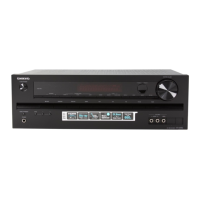
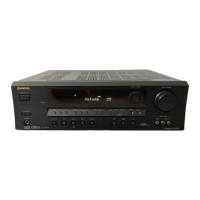
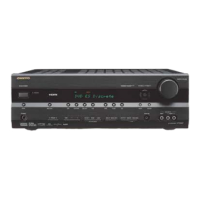
Front &Rear Panels
North American
and
Asian Models
8
European Models
ONKYO
"""
QOO
@,}--------i
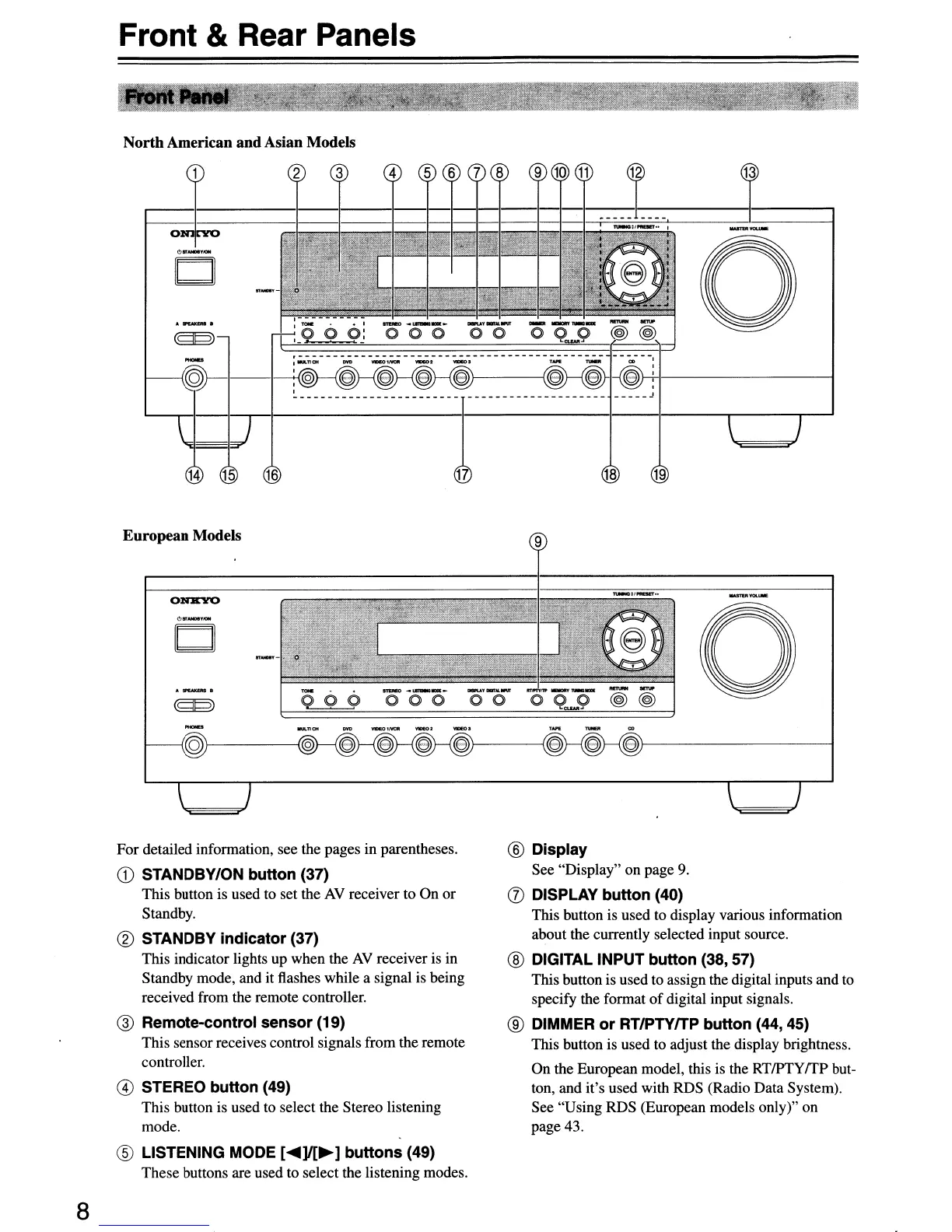
For detailed information, see the pages in parentheses.
CD
STANDBY/ON button (37)
This button is used to set the
AV
receiver to On or
Standby.
® STANDBY
indicator
(37)
This indicator lights up when the
AV
receiver is in
Standby mode, and it flashes while a signal is being
received from the remote controller.
@ Remote-control
sensor
(19)
This sensorreceives control signals from the remote
controller.
@ STEREO
button
(49)
This button is used to select the Stereo listening
mode.
® LISTENING MODE
[~]I[~]
buttons
(49)
These buttons are used to select the listening modes.
a
® Display
See "Display" on page
9.
(J)
DISPLAY
button
(40)
This button is used to display various information
about the currently selected input source.
® DIGITAL INPUT
button
(38, 57)
This button is used to assign the digital inputs and to
specify the format
of
digital input signals.
® DIMMER
or
RTIPTYITP
button
(44,45)
This button is used to adjust the display brightness.
On the European model, this is the
RTlPTyrrp
but-
ton, and it's used with RDS (Radio Data System).
See "Using RDS (European models only)" on
page 43.



 To Next Page
 Loading...