EasyManua.ls Logo

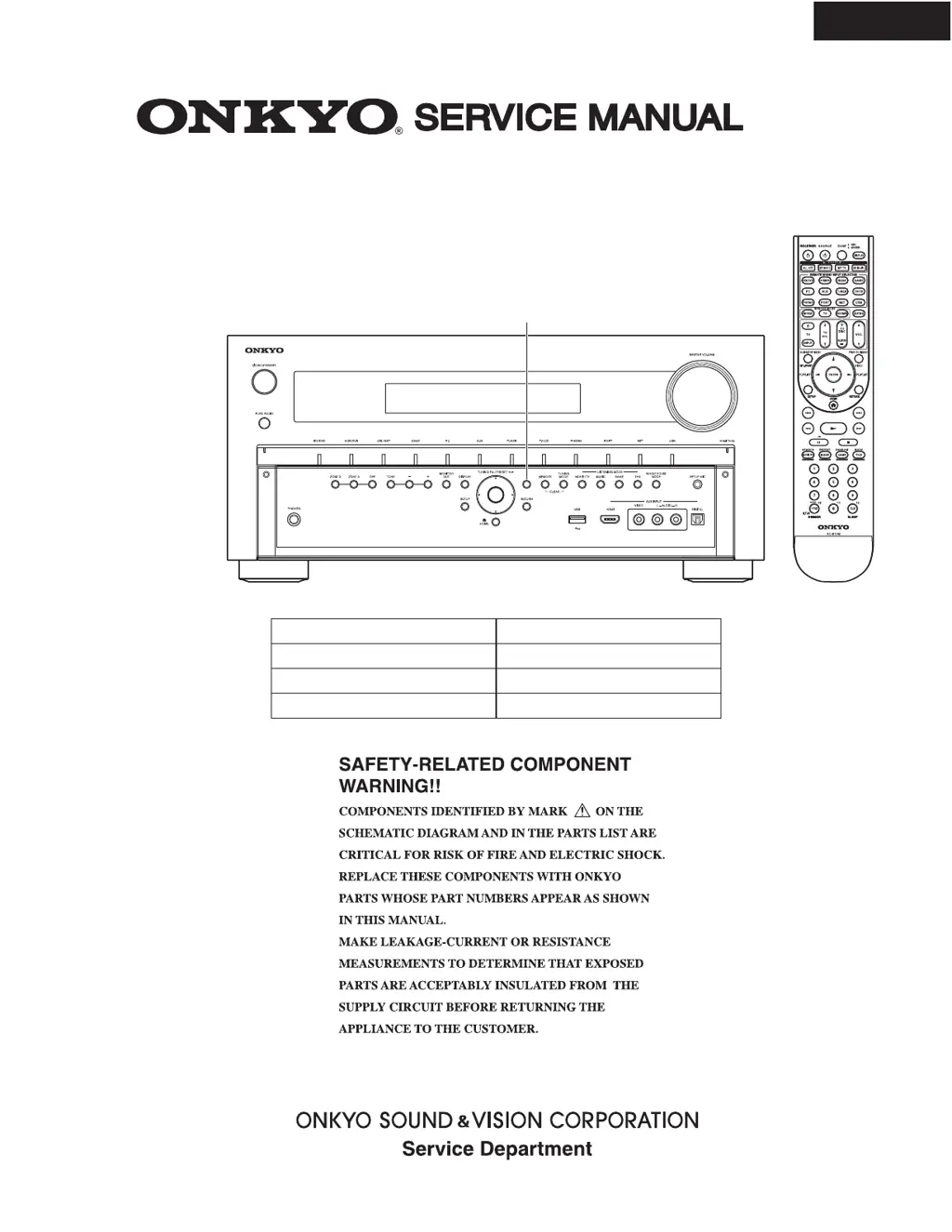
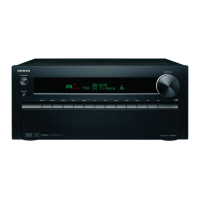
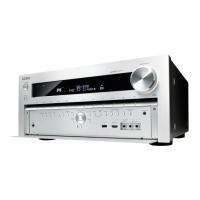
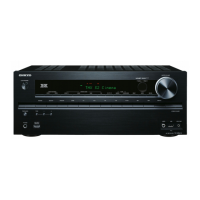
Onkyo TX-NR809 - Service Manual

Onkyo TX-NR809
162 pages
Print Icon
To Next Page IconTo Next Page
Loading...
TX-NR809
RC-810M
North American and Taiwan models ---> ”DIMMER”
European, Australian and Asian models ---> ”RT/PTY/TP”
AV RECEIVER
Black and Silver models
MODEL TX-NR809(B)/(S)
Ref. No. 4299
052011
B MDC, B MDF
B MMP, S MMP, B MMB
B MMA,
B MMQ, B MMR
120V AC, 60Hz
220-240V AC, 50/60Hz

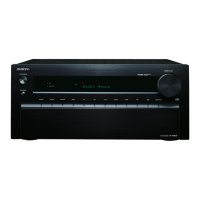
Other manuals for Onkyo TX-NR809

Questions and Answers

  • J
    Justin MarshallJul 26, 2025
    What to do if Onkyo TX-NR809 shows error during the update process?
    • A
      Angel DouglasJul 26, 2025
      If your Onkyo receiver displays an error during the update, disconnect and then reconnect the AC power cord. After that, try the update process again.
  • A
    Alan PinedaAug 1, 2025
    What does error code *-11, *-13, *-21, *-28 mean on my Onkyo TX-NR809?
    • B
      Barry BeckerAug 1, 2025
      These error codes indicate an Internet connection error. Check the following: * Make sure the IP address, subnet mask, gateway address, and DNS server are configured properly. * Ensure the router is turned on. * Verify the AV receiver and the router are connected with an Ethernet cable. * Confirm your router is configured correctly. If your network allows only one client connection and another device is already connected, the Onkyo receiver will not be able to access the network. If you are still unable to access the Internet, the DNS or proxy server may be temporarily down.
  • J
    josephhicksAug 7, 2025
    What does error code *-10, *-20 mean on my Onkyo TX-NR809?
    • K
      kaylawilsonAug 7, 2025
      The error codes *-10 or *-20 indicate that the Ethernet cable was not detected. Reconnect the cable properly to resolve this issue.
  • Y
    ysteeleAug 13, 2025
    What to do if Onkyo TX-NR809 displays Error!! *-** on the front display?
    • D
      Diana GarzaAug 13, 2025
      Retry the update procedure from the beginning. If the error persists, no answer.
  • D
    Daniel MartinezAug 19, 2025
    What does 'No Update' mean on the front display of my Onkyo TX-NR809?
    • C
      Caitlyn SmithSep 12, 2025
      If 'No Update' is displayed on the front of your Onkyo AV receiver, you do not need to do anything further.

Summary

AV RECEIVER

MODEL TX-NR809(B);(S)

Main model designation of the AV receiver.

SAFETY-RELATED COMPONENT WARNING!

SCHEMATIC DIAGRAM-1

SCHEMATIC DIAGRAM LIST

A list enumerating all schematic diagrams and their respective functions.

SCHEMATIC DIAGRAM-2

AUDIO SECTION PART-1

The first part of the block diagram for the audio section.

SCHEMATIC DIAGRAM-7

AMP. FINAL STAGE SECTION

Detailed diagram of the amplifier's final output stages.

SCHEMATIC DIAGRAM-11

POWER SUPPLY PROTECT ETC. SECTION

Diagrams covering power supply and protection circuits.

SCHEMATIC DIAGRAM-12

SCHEMATIC DIAGRAM-16

SCHEMATIC DIAGRAM-18

SCHEMATIC DIAGRAM-21

SCHEMATIC DIAGRAM-22

SCHEMATIC DIAGRAM-23

SCHEMATIC DIAGRAM-24

SCHEMATIC DIAGRAM-28

SCHEMATIC DIAGRAM-29

SCHEMATIC DIAGRAM-31

SECONDARY POWER SUPPLY SECTION

Diagrams for the secondary power supply circuits.

SCHEMATIC DIAGRAM-32

EXPLODED VIEW PARTS LIST

Onkyo TX-NR809 Specifications

General IconGeneral
Impedance16 Ω
Receiver typeSurround
Frequency range5 - 100000 Hz
Output impedance2200 Ω
Input sensitivity200 mV
Audio output channels7.2 channels
Signal-to-Noise Ratio (SNR)110 dB
Total Harmonic Distortion (THD)0.08 %
Dynamic power per channel (3 Ohm)300 W
Dynamic power per channel (4 Ohm)250 W
Dynamic power per channel (8 Ohm)150 W
Power output per channel (1KHz@6 Ohm)180 W
Power output per channel (20-20KHz@8 Ohm)- W
HDMI in8
AC (power) inYes
Audio (L/R) in6
Composite video in1
S-Video inputs quantity4
Digital audio optical in3
Multichannel audio input typeRCA
Component video (YPbPr/YCbCr) in2
Connectivity technologyWired
Speakers connectivity typeBanana connector
Audio formats supportedAAC, FLAC, LPCM, MP3, OGG, WAV, WMA
Wi-FiNo
RDS featuresPS, PTY, RT, TP
AM band range522 - 1611 kHz
FM band range87.5 - 108 MHz
Supported radio bandsAM, FM
Preset stations quantity40
Internet radio services supportedLast.fm, Napster, vTuner
Supported video modes1080i, 1080p, 480i, 480p, 720p
Display-
Product colorSilver
Audio decodersDolby Pro Logic IIz, Dolby TrueHD, DTS-HD
Volume controlRotary
Apple docking compatibilityiPhone, iPod
AC input voltage220-240 V
AC input frequency50 Hz
Power consumption (typical)710 W
CertificationCE, EMC
THX-certifiedTHX Select2 Plus
Package weight22500 g
Package depth553 mm
Package width587 mm
Package height337 mm
Weight and Dimensions IconWeight and Dimensions
Depth435.5 mm
Width435 mm
Height198.5 mm
Weight18300 g

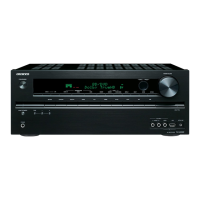
Related product manuals